

Interested in earning money by evaluating AI-generated content? MultiMango may be one of the platforms you come across, but understanding how to get access, what the work involves, and how payment is handled can help you decide whether it fits your needs.
This MultiMango review covers how the platform works, its pros and cons, common task access issues, and alternatives worth exploring. It also explains how to set up IPFLY proxies for remote work platforms that permit proxy connections.
What Is MultiMango?
MultiMango is an online workspace for AI evaluation tasks, where contributors review and compare AI-generated content, including text, images, and videos. It brings model outputs and evaluation tasks into one place so contributors can assess their quality and how well they follow instructions.
For example, a task might ask you to compare two generated images and decide which one better matches a prompt, or review a video for missing details and visual errors.
How Does MultiMango Work?
Working on MultiMango generally involves three stages: getting access through a project, completing evaluation tasks, and recording work according to the project’s payment requirements.
Getting Access Through an Assigned Project
Access to MultiMango typically follows a project’s onboarding process. Contributors may need to complete an assessment, register with a specified email address, and wait for approval before they can begin.
Once approved, contributors can log in to MultiMango and view available tasks. Registration alone does not guarantee work, as task access depends on project authorization and availability.
Completing MultiMango Tasks
Each task provides instructions explaining what to evaluate and how to submit an answer. MultiMango tasks may involve comparing images, ranking model responses, or evaluating generated videos. Contributors review the outputs, apply the project’s criteria, and submit their judgments.
Available task categories can change as project needs shift. An empty queue may mean there is temporarily no work in that category.
Payment and Time Tracking
Pay rates, payment schedules, and tracking methods depend on the project agreement. Contributors should understand these terms before beginning paid work, as different projects may follow different arrangements.
Some projects require a separate timer to record working hours. In those cases, submitting tasks on MultiMango and logging time are separate steps, and missing time records may affect payment.
Is MultiMango Legit and Worth Using?
Yes. MultiMango is a real AI evaluation workspace used by project contributors. Whether it is worth your time depends on the project you join, its payment terms, and the work available.
Platform Legitimacy and Privacy
A Workada contributor guide documents how contributors get approved and complete evaluations on MultiMango. This supports its use as a working task platform, although it does not verify every recruitment offer made under its name.
The MultiMango website also requires users to accept its Terms of Use and Privacy Policy. Before sharing personal information, it is worth understanding what data the platform and your project provider collect, how that data is used, and who handles privacy questions. The presence of a privacy policy alone does not establish how well a service protects your information.
MultiMango Pros and Cons
MultiMango’s main appeal is access to practical AI evaluation work. Its usefulness depends heavily on the project behind that access.
| Pros | Cons |
| Opportunities to evaluate AI-generated images, videos, and other model outputs. | Task availability can fluctuate. |
| A dedicated workspace for reviewing outputs and submitting judgments. | Account registration alone may not provide task access. |
| Project instructions give contributors criteria to follow. | Contributors must meet quality standards and any separate tracking requirements. |
These features and limitations are also reflected in the official contributor guide. Payment rates and schedules should be confirmed in your own project agreement.
Who Is MultiMango Best For?
MultiMango is best suited to contributors who already have project access, enjoy careful comparison work, and are comfortable following detailed evaluation criteria.
It may be worth using when the pay and available workload meet your needs. For someone expecting immediate work after signing up or a predictable monthly income, comparing other AI task platforms alongside MultiMango is a more practical approach.
Is MultiMango Down Now?
The MultiMango sign-in page was accessible when checked on October 13, 2026. Individual accounts or task pages may still experience issues.
If MultiMango is not working for you, the symptoms can help identify the cause:
| What you see | Possible cause |
| The website will not load | A connection problem or temporary service disruption. |
| Only Welcome or Settings appears after login | Your account may still need project approval. |
| The task section opens, but no tasks appear | The task queue may be temporarily empty. |
| Your project dashboard shows a paused or ended assignment | Work has stopped for that particular project. |
Your project dashboard and recent announcements can help confirm changes to task availability or account access. If the website itself will not load, trying another browser or checking your internet connection can help narrow down the problem.
Why Are There No Tasks on MultiMango?
An empty MultiMango dashboard can have several causes, from pending account approval to a temporary shortage of work. What you see after logging in can help explain the situation.
- Your account is still waiting for approval. If MultiMango only shows Welcome or Settings, your account may not yet have permission to access a project. Registration and project approval are separate steps, so the task section may appear only after your access is confirmed.
- Your login details do not match your project assignment. Some projects require a specific email address or registration link. An account created with a different email may not be connected to your assigned work. The login instructions provided by your project team can help you confirm which account to use.
- The task queue is temporarily empty. If you previously had MultiMango tasks but now see none, the available work may have been completed or the project may be between batches. Other approved categories may still have tasks, while project announcements can provide updates on availability.
- Your project has been paused or your assignment has changed. A project pause or a change to your individual assignment can affect task access. Your project dashboard or support team can confirm whether the interruption applies to everyone or only to your account.
- Your required time tracker is unavailable. Sometimes tasks remain visible while the project’s timer is missing or disabled. This needs confirmation from the project team before work begins, since completing tasks without the required tracking may affect payment.
Account approval, project status, and tracking requirements are the main things to check first. Network troubleshooting is more relevant when pages fail to load or display connection errors.
Full-Industry Proxy IP Application Solutions
Power scalable growth for every cross-border business scenario with IPFLY’s reliable global proxy network
MultiMango Alternatives to Explore
These MultiMango alternatives offer AI training and evaluation opportunities across different skills and professional backgrounds.
Outlier
Outlier offers tasks such as writing prompts, ranking AI responses, and creating evaluation criteria. It suits contributors with language, coding, or STEM skills who want to explore different projects.

Alignerr
Alignerr, powered by Labelbox, matches contributors with work in content evaluation, languages, coding, and specialist subjects. Applicants select relevant roles and may complete interviews or skill assessments.

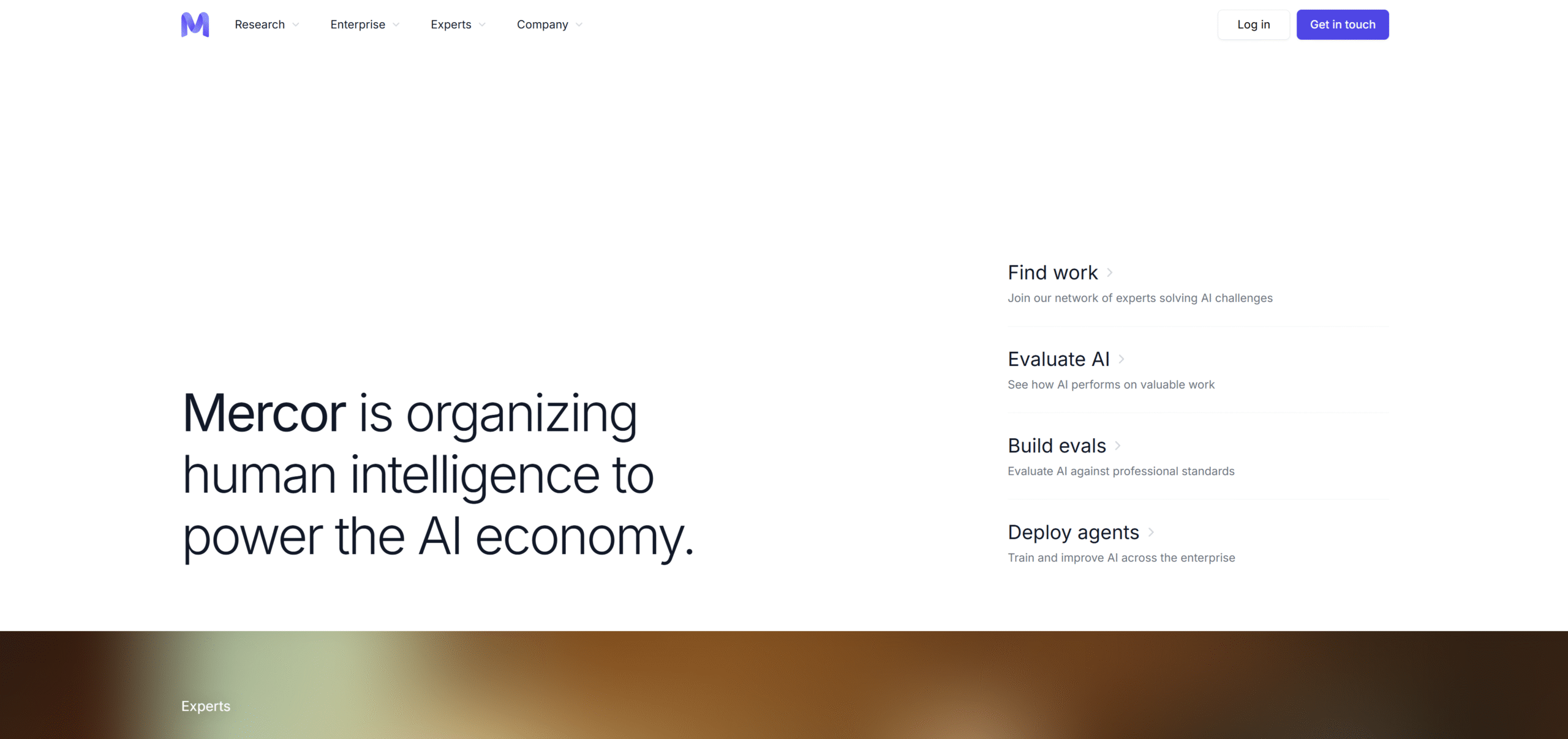
Mercor
Mercor focuses on bringing professional expertise into AI development. Its opportunities are particularly relevant to people with experience in fields such as medicine, law, engineering, and consulting.
RemoExperts (REX)
RemoExperts offers remote AI training opportunities for generalists and specialists, including writers, developers, and creative professionals. Its range of skills includes cinematography, Photoshop, and other visual disciplines.
How to Set Up IPFLY Proxies for Remote Work Platforms
For remote work platforms that allow proxy connections, IPFLY can provide a fixed exit IP for your browsing sessions. Here’s how to configure the connection in a compatible browser or proxy client.
Step 1: Choose a Suitable Proxy Type
Static ISP proxies are suitable when you need the same exit IP across sessions. Rotating residential proxies offer sticky sessions that retain an address temporarily, with the duration depending on the service settings.
The proxy location should match your project’s working-location requirements.
Step 2: Get Your Proxy Connection Details
Log in to the IPFLY console and select your proxy plan. For static proxies, the connection details are available under Static Proxies → IP Management.
The configuration requires:
- Proxy host: The server address.
- Port: The port for your selected protocol.
- Username and password: Your proxy authentication credentials.
Use the proxy host provided in the dashboard, which may differ from the exit IP.
Step 3: Configure the Proxy in Your Browser or Client
A browser with built-in proxy settings, a proxy management extension, or a dedicated client can handle the connection. The tool needs to support your selected protocol and authentication method.
- Open the tool’s proxy settings and add a new connection.
- Select the protocol supported by your IPFLY endpoint, such as HTTP or SOCKS5.
- Enter the proxy host and corresponding port.
- Add your proxy username and password in the authentication fields, or enter them when prompted.
- Save and activate the configuration for the browser session you plan to use.
Menu names vary by tool, but the required connection details follow the same basic structure.
Step 4: Test the Connection Before Signing In
Open an IP lookup page through the configured browser to check whether the exit IP matches your IPFLY connection. Then visit the remote work platform and confirm that its pages load correctly.
If the connection fails, check the protocol, host, port, and credentials. If the platform rejects proxy access, switch back to your normal connection and confirm the permitted setup with your project team.
Why Consider IPFLY Proxies for Remote Work?
For remote work platforms that permit proxy connections, IPFLY offers options for maintaining a fixed exit IP and connecting through compatible tools.
- A Consistent IP Across Sessions: IPFLY’s static ISP proxies provide a dedicated, non-rotating IP address. This suits workflows that require the same exit IP across repeated logins and longer working sessions.
- Flexible Protocol Support: Support for HTTP, HTTPS, and SOCKS5 makes IPFLY compatible with a range of proxy-enabled browsers and clients. You can select the protocol your tool supports and configure it using the connection details from your dashboard.
- Testing Before Committing: IPFLY offers a free trial for new users. A proxy free trial gives you an opportunity to check page loading, connection stability, and tool compatibility before choosing a paid plan.
Conclusion
MultiMango offers AI evaluation work for contributors who enjoy reviewing content and following detailed criteria. Its value depends on the project you join and the tasks available. Outlier, Alignerr, Mercor, and RemoExperts offer additional opportunities based on your skills and experience.
If your project allows proxy connections, try IPFLY to test a suitable connection setup before choosing a plan.
FAQs
What is MultiMango used for?
MultiMango is a workspace for evaluating AI-generated content. Tasks can include comparing images, ranking model responses, and reviewing generated videos.
Is MultiMango legit?
Yes. MultiMango is a real AI evaluation platform with documented contributor workflows, Terms of Use, and a Privacy Policy. Access to paid work depends on your assigned project.
Why does my MultiMango account have no tasks?
Your account may be awaiting approval, missing project access, or connected to an empty task queue. Your project dashboard and support team can help confirm the cause.
What are the alternatives to MultiMango?
Outlier, Alignerr, Mercor, and RemoExperts offer AI training and evaluation opportunities. The most suitable option depends on your skills and the roles available.
Can I use a proxy with MultiMango or its alternatives?
Proxy rules depend on the platform and project provider. Where permitted, a static ISP proxy can provide a consistent exit IP. It does not change your project eligibility or task access.






