
A company can match an ideal customer profile and still be a poor fit for a sales campaign. Its existing software may not work with the product being sold, or it may already use a competing tool.
Technographic data helps B2B teams narrow that gap. It adds information about the technologies a company uses, giving sales and marketing teams another way to build and prioritize account lists.
The best technographic data platforms for B2B targeting serve different needs. Some focus on technologies visible on public websites. Others combine technology data with company profiles, contacts, or account-based marketing tools. This guide compares those approaches and explains what to check before choosing a provider.
What Is Technographic Data?
Technographic data is information about the technologies a business uses. Depending on the provider and data source, it may include website tools, ecommerce platforms, customer relationship management (CRM) software, cloud services, or other parts of a company’s technology stack.
For example, a company selling an ecommerce integration may want to find online stores using a compatible platform. A sales team could use that technology as one filter, then narrow the list by company size, location, and industry.
Technographic data adds a different layer of context from other common B2B data types:
- Firmographic data describes the company, such as its industry, location, or employee count.
- Contact data identifies people at the company and may include their roles or business contact details.
- Intent data uses signals that may suggest interest in a topic or product category.
- Technographic data indicates which technologies may be in use at the company.
These data types work best together. Knowing that a company uses a particular platform can make it a relevant account, but it does not prove that the company plans to buy, switch vendors, or expand its software stack. The source and age of the technology record also matter: a tool detected on a public website may be easier to observe than software used only inside the business.
How We Evaluate Technographic Data Platforms
A large database does not always mean a platform is the right fit. The comparison below uses four criteria to assess how well each tool supports B2B targeting:
- Technology and account coverage: Check whether the platform covers the technologies, industries, company sizes, and locations relevant to the target market. A tool focused on website technologies may serve a different need from one covering enterprise infrastructure.
- Data sources and freshness: Consider where technology records come from and how often they are updated. Website scans and job listings can provide useful signals, but neither reveals a company’s complete technology stack. Where available, look for the date associated with each record.When teams collect public-web data themselves, data scraping workflows also need checks for missing fields, duplicates, and outdated records.
- Targeting and delivery options: Review the filters and ways to use the data, such as CSV exports, API access, and CRM integrations. Contact data and account-based marketing features may also matter to teams looking for a broader sales platform.
- Pricing and usage limits: Compare publicly available prices, export limits, API credits, user seats, and contract terms. A free lookup may work for individual checks, while building larger account lists may require a paid plan.
These criteria guide the comparison; they do not imply that every platform has been independently tested.
Technographic Data Platforms at a Glance
| Platform | Best fit | Main data focus | Pricing visibility |
| BuiltWith | Building lists based on website technologies | Public website technology detection | Free individual lookups and published paid plans |
| Wappalyzer | Researching websites and enriching account lists | Website technology detection | Free lookups and published paid plans |
| HG Insights | Researching enterprise technology environments | Technology installations and related business intelligence | Request pricing |
| ZoomInfo | Adding technology context to sales prospecting | Company and sales intelligence | Request current pricing and feature details |
| 6sense | Combining technographics with account-based marketing | Account-level technology data and other buying signals | Request pricing |
| TheirStack | Finding technology signals in hiring activity | Technology mentions in job postings | Check current plan and API limits |
Best Technographic Data Platforms for B2B Targeting
BuiltWith
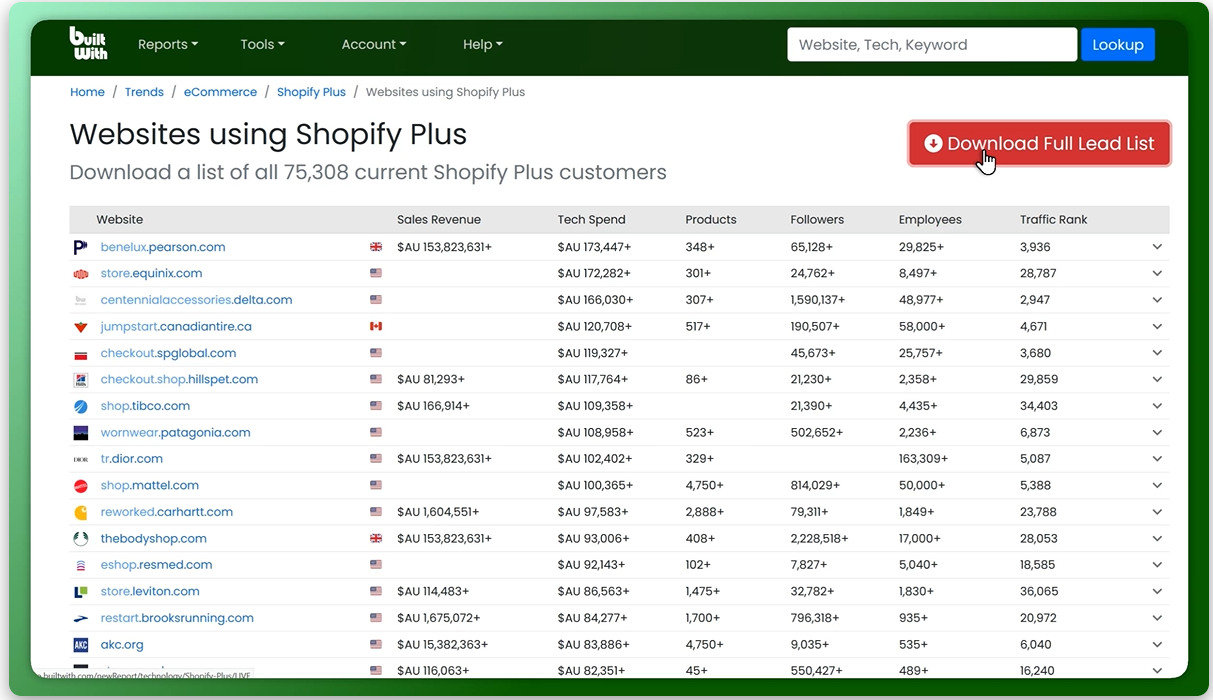
BuiltWith identifies website technologies and lets users create lists of sites using selected tools. A sales team can use it to find businesses that use a compatible ecommerce platform, analytics tool, or content management system.
Paid plans offer exports and CRM integrations. BuiltWith’s pricing page lists free individual site lookups and a Basic plan at $295 per month on monthly billing, as of November 12, 2026. The Basic plan limits the number of technology lists that can be created each month.
Keep in mind: BuiltWith focuses on technologies detectable from a website. A missing result does not prove that a company does not use an internal application.
Wappalyzer
Wappalyzer identifies website technologies through its lookup tool and browser extension. Paid features include lead lists, bulk research, CRM enrichment, and API workflows.
Its free account includes 50 technology lookups per month and sample lead lists. As of November 12, 2026, the published Pro plan starts at $250 per month on monthly billing. The lookup API requires a Business plan and supports database lookups and live website analysis.
Keep in mind: Feature access varies by plan. Teams that need bulk lookups or API calls should check the required plan and credit limits.
HG Insights
HG Insights offers technology installation data alongside firmographics, spending, and contract information. Its technology install documentation describes a combination of digital and document-based signals, including job postings and company websites.
Records can include a product’s detected location and verification dates, giving teams more context than a technology name alone.
Keep in mind: Check the available fields, coverage, and delivery options for the specific technologies and accounts being targeted. Contact HG Insights for current pricing and access terms.
ZoomInfo
ZoomInfo combines company and contact research in a sales intelligence platform. For technographic targeting, teams should check whether its available technology filters cover the products and account segments needed for a campaign.
Keep in mind: Request a demonstration of the relevant filters, sample records, export options, and current pricing. Specific technographic coverage and plan access still need to be verified.
Full-Industry Proxy IP Application Solutions
Power scalable growth for every cross-border business scenario with IPFLY’s reliable global proxy network
6sense
6sense combines account information with sales and marketing workflows. Its technographic data documentation describes signals from job postings, public website code, and domain records. It also describes confidence scores based on factors including recency and source reliability.
The Technographics Data Pack is available without a platform subscription. It contains account-level technology data and is delivered quarterly.
Keep in mind: A technology match indicates potential fit; it does not establish that an account is actively researching a purchase. Confirm pricing and access terms with 6sense.
TheirStack
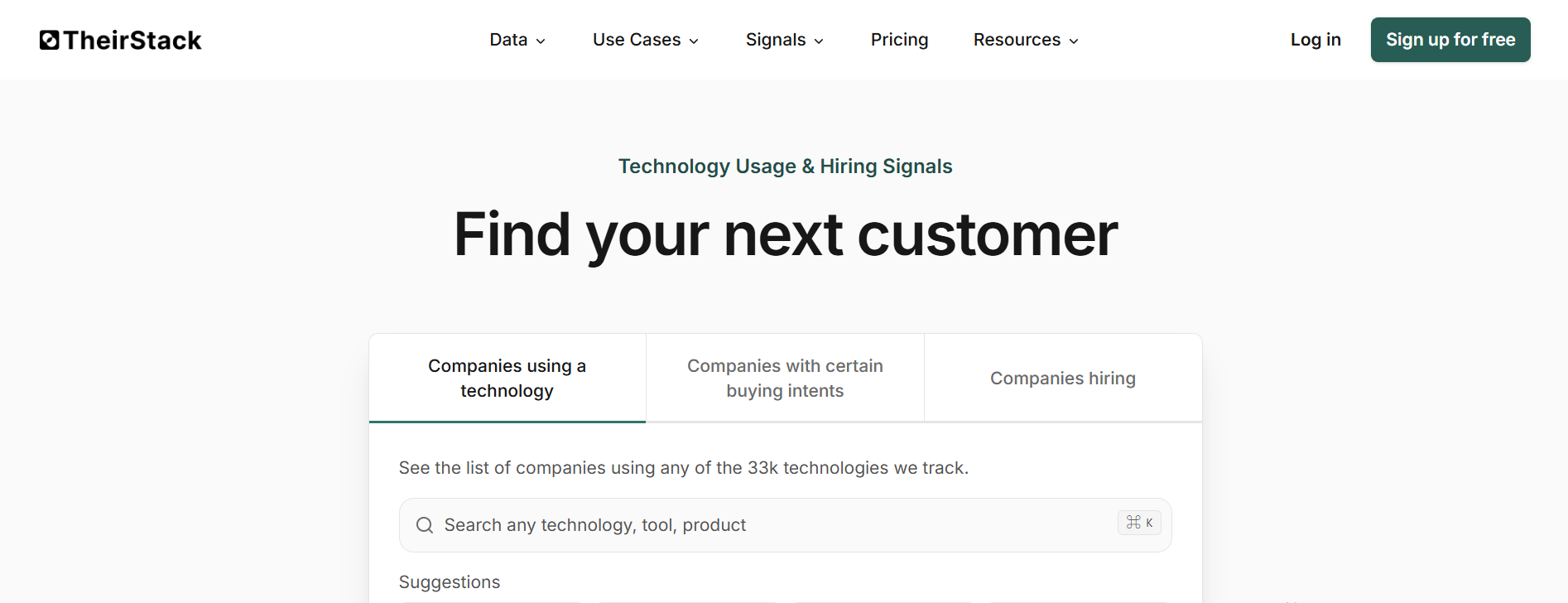
TheirStack infers technology usage from job postings. Its sourcing documentation explains that confidence levels consider where a technology is mentioned, how often it appears, and how recent the mentions are.
This approach can surface clues about technologies that are not visible on a company’s public website. TheirStack also offers company search and API access to technographic information.
Keep in mind: A job posting is a signal, not proof of a current deployment. Companies that are not hiring—or do not mention a technology in their listings—may be absent from the results. Check current pricing, export limits, and API access before choosing a plan.
How to Choose the Right Technographic Data Platform
The best choice depends on which technologies need to be identified, how the resulting accounts will be used, and how much data the team needs. A platform that works well for checking individual websites may not be the best fit for enriching a large CRM database.
Start With Your Target Technologies and Accounts
Make a list of the technologies that matter to the campaign before comparing providers. Then define the accounts that would be useful matches, including their industry, size, and location.
For example, a company selling an ecommerce integration might look for online stores using a compatible platform. A provider focused on website technology detection could be a practical starting point. A company selling database services may instead need a provider that draws on job postings or other sources that can surface technologies not visible on public websites.
Ask each provider whether it covers the specific products and markets on the list. A broad technology count alone does not show how many relevant accounts are available.
Match the Platform to Your Workflow and Budget
Consider what needs to happen after an account is identified:
- For individual research: A free lookup or browser extension may be enough to check a small number of websites.
- For prospect list building: Look for filters that combine technology use with company attributes, along with export options.
- For CRM enrichment: Check how records are matched and whether the required integration or API is included in the plan.
- For account-based marketing: Consider whether the platform can combine technology data with other account signals and support the team’s campaign workflow.
Compare the full cost of the intended workflow. A low entry price may cover individual lookups but not bulk exports, API calls, or additional users. For quote-based plans, ask about contract length, renewal terms, and any limits on how the data can be used.
Validate a Sample Before You Buy
A sample test shows how a provider performs on the accounts and technologies that matter to the team. Use the same account list and technology criteria when comparing providers.
- Choose a representative sample. Include companies from the target industries, sizes, and regions. Where possible, include accounts whose technology use can be checked through a reliable source.
- Request or run the same searches. Record which accounts each platform matches and which it leaves unmatched.
- Check the supporting evidence. Look for the source, detection date, or confidence indicator. Compare the result with available evidence, such as a current public website or a relevant job posting.
- Record uncertain results separately. A missing result is not automatically wrong, and a job listing alone may not confirm that a technology is deployed. Mark records that cannot be verified instead of guessing.
- Test the handoff. Check whether the sample can be exported or matched to existing CRM records in the format the team needs.
For teams collecting supporting evidence across many public pages, list crawling workflows can help organize repeated records and identify missing results.
The goal is to understand both coverage and trustworthiness. A provider with more matches is useful only if enough of those matches are relevant and supported by sufficiently recent evidence.
How IPFLY Can Support Public-Web Research
Technographic platforms help teams identify accounts that may use a particular technology. When researchers also need to review public websites, IPFLY offers proxy options for different connection needs:
- Residential Proxies: Choose a relevant location to review public pages that may display different content by region. Rotating IP options can also support workflows that visit multiple pages.
- ISP Proxies: Use a static IP when a research workflow requires a consistent network exit across repeated visits or sessions.
These proxies support the connection to public websites. A separate lookup tool or research method is still needed to identify the technologies in use. Access and results vary by website, so test the workflow on a small sample and follow the site’s terms and applicable rules.
FAQ
Can Technographic Data Reveal Internal Software?
Sometimes. Providers may infer usage from job postings or other sources, but coverage varies.
How Often Should Technographic Data Be Updated?
Check important records before a campaign or outreach, especially when the technology may have changed.
Does Technology Use Mean a Company Is Ready to Buy?
No. It indicates potential fit, not purchase intent.
Are There Free Technographic Data Tools?
Yes. Some offer free website lookups, while bulk data and exports may require payment.
Can Technographic Data Be Integrated With a CRM?
Many providers support CRM integrations, APIs, or exports. Check the features included in each plan.
Conclusion
The best technographic data platforms for B2B targeting depend on the technologies, accounts, and workflows a team needs to support. Compare data sources and coverage, then test a sample of target accounts before committing to a plan.
For teams that also review public websites by region, IPFLY Residential Proxies can support that research alongside a technographic data platform.