

Managing multiple YouTube accounts, publishing videos, and researching overseas audiences involve different connection needs. You may want a dedicated IP for each independent account, a consistent connection for YouTube Studio, or location options to explore content in your target markets.
This guide explains how a YouTube proxy supports channel operations, what to check before buying, and how proxy providers compare. You’ll also find setup steps to help you choose the best YouTube proxy for your YouTube workflow.
Best YouTube Proxy Services at a Glance
Looking for the best YouTube proxy for your workflow? Start with this overview of providers, covering IP types, session controls, and features for channel management and regional research.
| Provider | Proxy Types | IP and Session Options | Key Features |
| IPFLY | Residential, ISP, datacenter | Dedicated static ISP IPs; residential location selection | Exclusive fixed connections, unlimited ISP bandwidth, HTTP(S)/SOCKS5 support |
| Decodo | Residential, ISP, mobile, datacenter | Static ISP options; rotating and sticky residential sessions | Geographic targeting and multiple network types |
| IPRoyal | Residential, ISP, mobile, datacenter | Dedicated static ISP IPs; residential session controls | Browser extensions and proxy testing tools |
| Bright Data | Residential, ISP, datacenter | Static ISP options; sticky and rotating sessions | Proxy management tools and separate data collection products |
| ProxyEmpire | Residential, static residential, mobile, datacenter | Static IPs; configurable rotating sessions | Regional targeting, residential bandwidth rollover, and API management |
What Is a YouTube Proxy?
When searching for a YouTube proxy, you’ll find both browser-based proxy sites and configurable proxy services. To choose between them, start with how each one connects you to YouTube.
Browser-Based YouTube Proxy Sites
A YouTube proxy site is a website that fetches and displays YouTube content for you. You paste a video link into its search box, and the video opens within the proxy’s page. There is usually no software to install or connection settings to configure.
This straightforward approach suits occasional viewing. Available features vary by site, particularly support for Google sign-in, video uploads, and YouTube Studio.
Proxy Services for YouTube Marketing
A YouTube proxy service routes your browser’s traffic through a proxy server, giving the connection a different public IP address. You enter the provider’s server address, port, and authentication details into a compatible browser or tool, then open YouTube’s own website.
The main advantage is connection control. Depending on the plan, you can select a country, use a static IP that stays fixed, or choose a sticky session that temporarily keeps the same IP. These options let you configure the connection around your work.
YouTube Proxy Sites vs. Proxy Services: Which Should You Choose?
With those differences in mind, match the type of proxy to how you use YouTube:
| Comparison | Browser-Based YouTube Proxy Site | Proxy Service |
| Access method | Open videos within a third-party webpage | Use YouTube directly through a configured connection |
| Setup | Usually ready to use immediately | Requires initial browser or tool configuration |
| IP control | Limited to the site’s available options | Location and session controls depend on the plan |
| Suitable uses | Occasional viewing and quickly opening video links | Channel operations, account management, and regional research |
For occasional video viewing, a YouTube proxy site offers a simple starting point. Managing channels, uploading content, and researching different markets require more control over IP locations and sessions.
That’s why this guide focuses on YouTube proxy services. Before comparing providers, let’s look at how these services support everyday YouTube marketing tasks.
Key Benefits of a YouTube Proxy for Marketing
Creators and marketing teams use proxy services to organize independent account connections, maintain a consistent publishing environment, and explore target markets.
Give Independent YouTube Accounts Separate IPs
When independent Google accounts use the same internet connection, they share a public IP address. Assigning a dedicated proxy to each account removes that shared-IP overlap and gives each account a separate network exit. An exclusive proxy IP also avoids sharing the address with unrelated proxy customers.
Pair each connection with a separate browser profile to organize YouTube cookies and login sessions. For example, an agency handling three clients can maintain a saved environment for each client, making it easier to access the correct YouTube Studio account, upload videos, and manage comments.
Keep YouTube Studio Access Consistent
Separate IPs help organize accounts; a fixed IP helps maintain continuity within each account’s workflow.
A creator may upload a video at home, edit its description from a coworking space, and schedule its release while travelling. With the same static YouTube proxy configured, those activities use a consistent public IP even as the underlying internet connection changes.
This keeps the network location steady across routine YouTube Studio tasks, including thumbnail updates, playlist management, and scheduled publishing.
Research Videos and Campaigns in Target Markets
Beyond account operations, proxies also support regional YouTube research. A location-specific connection lets you explore the platform through an IP address in the country you want to reach.
For example, a creator targeting US viewers can use a US proxy to search relevant keywords and examine the competing titles, thumbnails, and video formats appearing in those results. A marketing team can also review regional advertising samples and test whether campaign landing pages load from that location.
Keep keywords, language settings, and browsing conditions consistent when comparing markets. This creates a more useful basis for YouTube keyword research, localized content planning, and campaign preparation.
How to Choose the Best YouTube Proxy for 2027
The best YouTube proxy should match how you work: managing accounts, uploading videos, or researching different markets. Focus on these four areas when comparing proxy services.
Choose the Right IP and Session Type
For regular YouTube Studio access, look for a static IP—an address that stays the same. For research across different locations, choose a service that lets you switch IPs and countries when needed.
A sticky session keeps an IP temporarily, rather than providing a permanently fixed address. Check its time limit before choosing it for ongoing account work.
Also check whether the IP is dedicated, meaning reserved for you, or shared with other customers. Dedicated access gives you control over who uses that address; IP reputation should still be checked separately.
Check Your Target Locations
Choose a provider with available IPs in the countries you actually need. A large global network is less useful if your target market has limited availability.
For YouTube research, start with country-level targeting. Pay for city-level targeting when your campaign requires local checks. Before committing, verify that the assigned IP is identified in the intended region.
Compare Upload Performance and Total Cost
A proxy that loads YouTube quickly may still struggle with large video uploads. Test a representative upload and check whether it completes smoothly without connection drops.
Then compare the billing model:
- Per GB: You pay for traffic routed through the proxy. Include uploads and video previews in your estimate.
- Per IP: You pay for the address over a set period. Check included bandwidth, speed limits, and any fair-use conditions.
Compare the total cost of your normal workload rather than the advertised starting price.
Expert Proxy IP Comparisons & Reviews
In-depth multi-dimensional analysis to help you pick the most cost-effective IPFLY plan
Make Sure Setup and Support Are Straightforward
Check that the service works with your browser or account-management tool. Look for clear setup instructions covering the proxy address, port, authentication, and supported protocols, such as HTTP(S) or SOCKS5.
Choose a provider with a trial or small starter plan so you can test YouTube Studio, uploads, and location settings. Review support availability and IP replacement terms before buying a larger package.
Best YouTube Proxy Services for Marketing
Below, we take a closer look at each YouTube proxy provider, highlighting the features that matter for account management, video publishing, and regional research.
IPFLY
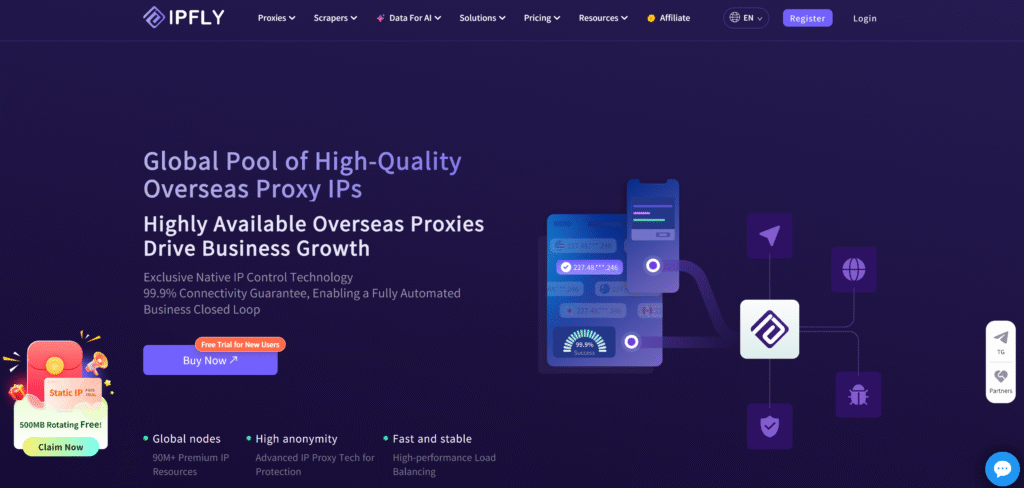
IPFLY Proxy offers residential, ISP, and datacenter proxies, with a residential network listing 90M+ IP resources across 190+ countries and regions. This combines broad location coverage for market research with fixed-IP products for ongoing account operations.
Its static residential proxies provide dedicated IPs, unlimited bandwidth, and HTTP(S)/SOCKS5 support. Together, these features address practical channel-management needs: keeping a consistent YouTube Studio connection, assigning exclusive exits to independent accounts, and handling video traffic without per-GB ISP billing. Residential proxies provide a separate option for checking searches and competitor content across target markets.
Decodo
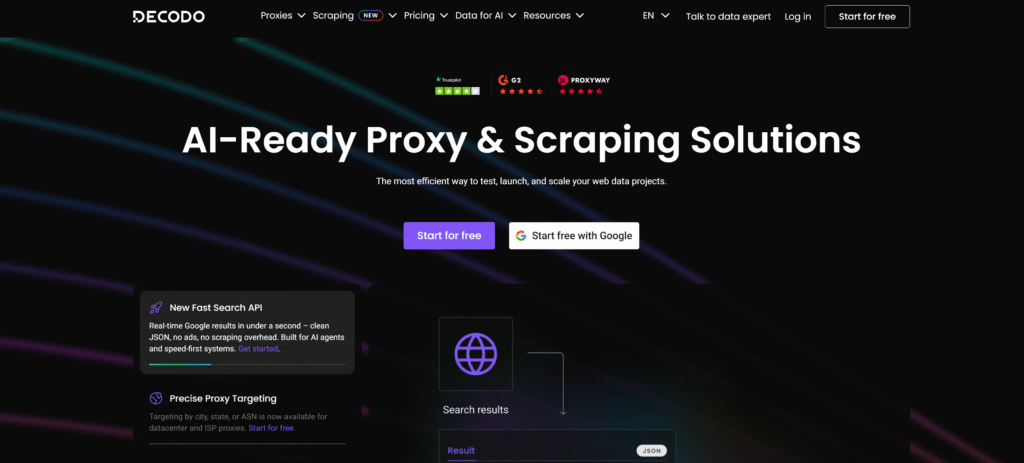
Decodo’s catalog includes residential, ISP, mobile, and datacenter proxies. Its residential product supports geographic targeting and rotating or sticky sessions, while its ISP offering focuses on stable connections and traffic-heavy workflows.
This separates two common requirements: retaining an IP during account work and changing locations during regional research. The available session settings depend on the selected product. Decodo also operates a broader data collection platform, so browser-based channel management and automated research involve distinct tools and purchasing decisions.
IPRoyal
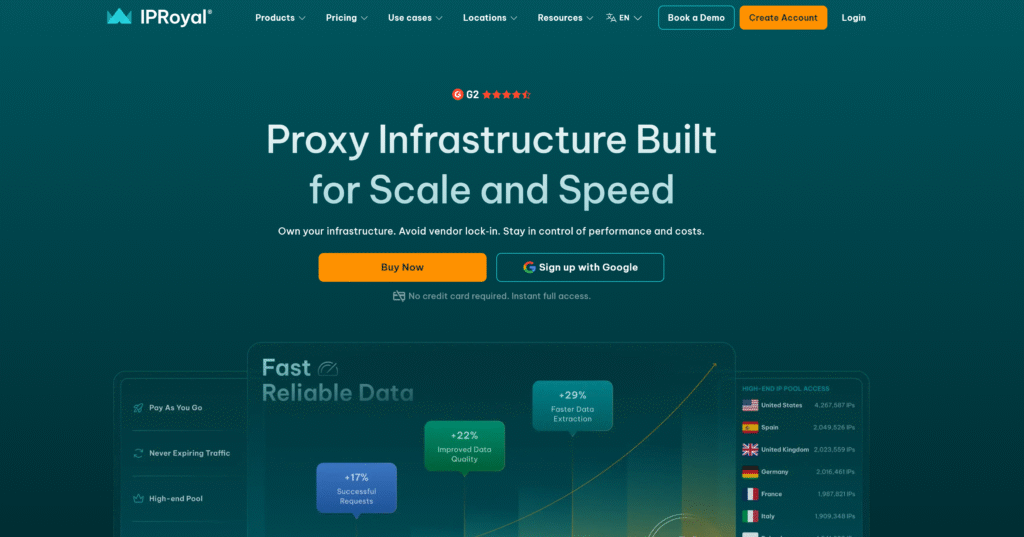
Dedicated static IPs, country-to-city targeting, and SOCKS5 support are among the features listed for IPRoyal’s ISP proxies. The provider also sells residential, mobile, and datacenter products.
Chrome and Firefox extensions provide browser configuration options, while proxy testing utilities help check connections before use. These tools relate to everyday browser access, including opening YouTube Studio. IPRoyal separately offers a Video Scraper API for data collection; that product serves a different purpose from signing into a channel, editing video details, or scheduling uploads.
Bright Data
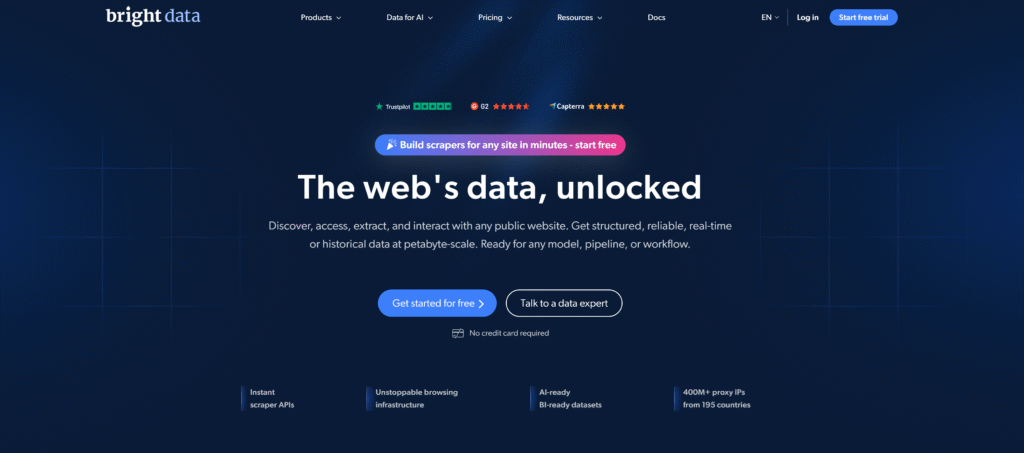
Bright Data combines residential, ISP, and datacenter proxy networks with proxy management tools, scraping APIs, and datasets. Its proxy features include geographic targeting and sticky or rotating sessions.
The product distinction matters when planning a workflow. A browser connection for channel administration differs from a service that collects research data. Bright Data offers traffic-based and IP-based purchasing options, with different package sizes and billing commitments. Evaluating its catalog therefore involves comparing the specific proxy product and any separately purchased data tools.
ProxyEmpire

ProxyEmpire’s range covers rotating residential, static residential, mobile, and datacenter proxies. It lists location targeting, configurable sessions, API management, and residential bandwidth rollover.
Static residential products maintain an address over time, while rotating products allow location changes during research. This distinction is relevant when separating routine channel access from checks across different markets. Billing varies by product, including per-IP and per-GB arrangements, making video uploads, previews, and the number of persistent account connections important factors in estimating the total cost.
How to Set Up a YouTube Proxy for Marketing
Once you’ve chosen a YouTube proxy service, set up your browser environment, connect the proxy, and test the tasks you’ll perform.
Prepare Your Browser Profiles
Create a clearly named browser profile for each independent Google account you manage. Use a separate profile for regional research to keep test searches and viewing history apart from channel operations.
Decide which profiles need a fixed IP for regular account access and which need location switching for market research.
Configure and Check the Proxy
In each profile’s compatible proxy tool or browser settings, enter the server address, port, and authentication details provided by your proxy service. Choose the target country and, where applicable, a sticky session that keeps the same IP during your work.
Open an IP-checking page to verify the public IP and location before signing into YouTube. Save the working configuration with a clear label so you can reuse it.
Test Your YouTube Tasks
With the connection verified, sign into the intended account and open YouTube Studio. Upload a short test video, edit its details, and check the scheduling controls. Confirm that the connection stays active and the IP remains unchanged during the test.
In your research profile, run a sample YouTube search in each target location, keeping keywords, language settings, and login conditions consistent. Finally, review bandwidth usage to estimate the cost of repeating these tasks.
Frequently Asked Questions
What Is the Difference Between a YouTube Proxy Site and a Proxy Service?
A YouTube proxy site displays videos through a third-party webpage. A proxy service connects your own browser or tool through a different IP address.
Can I Use a Free YouTube Proxy Site for Channel Management?
Free sites may support basic viewing but lack the login, upload, and session controls needed for ongoing YouTube Studio work.
What Is the Best YouTube Proxy for Managing Multiple Accounts?
Look for dedicated static IPs, browser-profile compatibility, and clear connection management. IPFLY’s ISP proxies combine exclusive fixed IPs with unlimited bandwidth.
Should I Use a Static or Rotating Proxy for YouTube Marketing?
Use a static IP for regular account access. Choose controllable rotation when researching content across different locations.
Will a YouTube Proxy Help My Videos Reach a US Audience?
A US proxy supports US-market research. Reaching that audience requires relevant topics, language, and content that attracts and retains those viewers.
Choose a YouTube Proxy That Fits Your Marketing Workflow
The best YouTube proxy for 2027 should match your daily tasks: fixed connections for account operations, location selection for regional research, and suitable bandwidth pricing for video traffic.
IPFLY Proxy brings these options together. Choose static residential proxies for dedicated, consistent account connections, or residential proxies for researching target markets. Explore IPFLY’s plans and build a connection setup around your YouTube workflow.


