
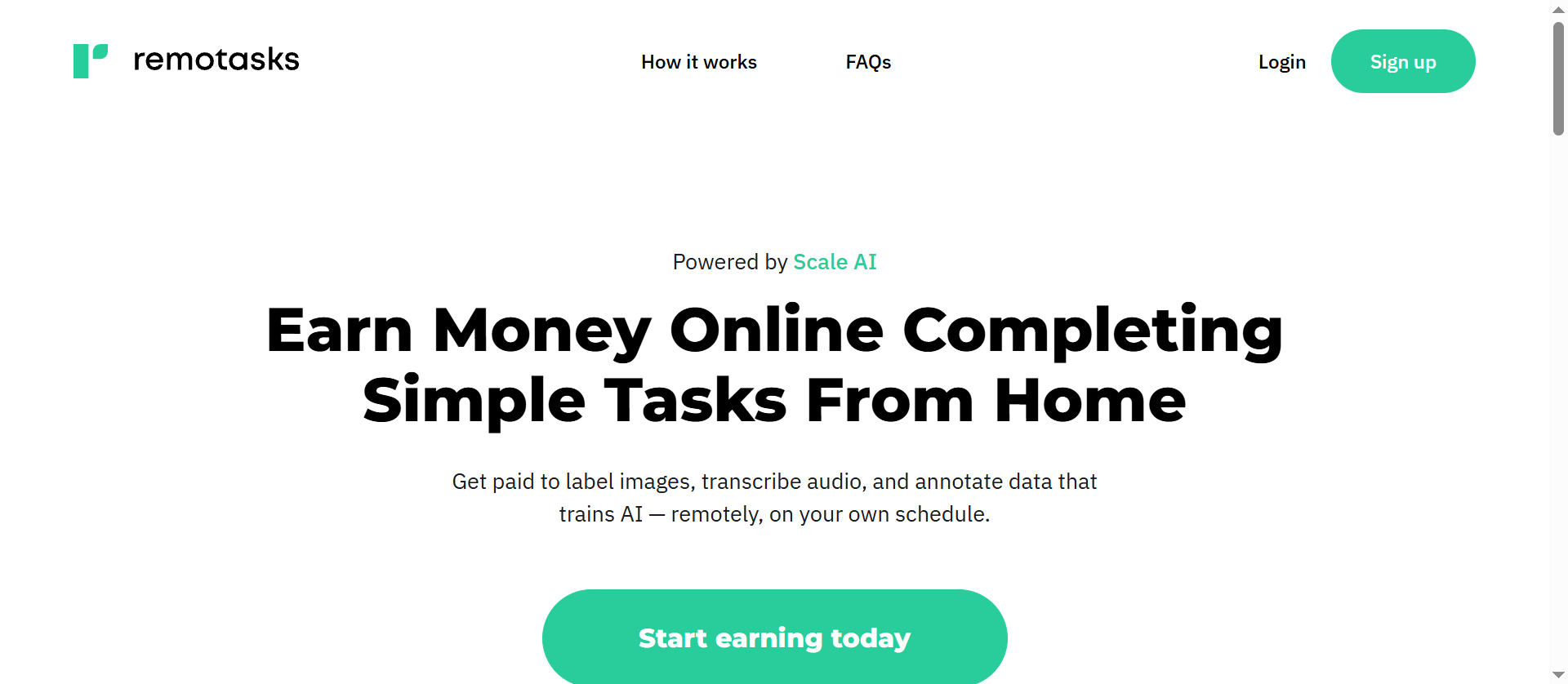
Remotasks is an online platform where people can earn money by completing tasks that help build and improve AI systems. These tasks can include labeling images, transcribing audio, and reviewing information.
The platform offers flexible work, but signing up does not guarantee a steady supply of tasks or a fixed income. Access can also depend on location, project requirements, and account eligibility.
This guide explains how Remotasks works, what affects earnings, where to check availability, and how to handle common problems. It also looks at whether a proxy can help with access and what to check before using one.
What Is Remotasks and How Does It Work?
Remotasks connects independent contributors with projects that need human input. A contributor, often called a tasker, completes individual assignments through the platform. Depending on the project, the work may help create training data or evaluate AI output.
The basic process starts with an account and any required onboarding. A tasker may then need to complete training or pass a qualification test before gaining access to a project. Once eligible, the tasker can work on available assignments and submit them for review.
The exact process varies by project. Completing a course or creating an account does not necessarily mean that paid tasks will be available immediately.
What Types of Tasks Can You Find on Remotasks?
The work depends on the projects available to an account. Examples described by Remotasks include:
- Image labeling: Identifying or marking objects in an image so the data can be used to train an AI system.
- Audio transcription: Listening to a recording and converting speech into text.
- Categorization: Placing items or information into the correct groups.
- AI response evaluation: Reviewing answers from an AI chatbot and assessing them against project instructions.
Some assignments require more detailed training than others. For example, a project may ask contributors to mark objects in images, while another may require them to assess chatbot responses and explain their reasoning.
Who Can Join and What Do They Need?
Under the Remotasks terms, users must be at least 18 years old or the age of legal majority in their jurisdiction. They must also be located somewhere the platform permits them to work.
A computer and internet connection are generally needed, though individual projects may have additional hardware or software requirements. Some projects also require specific language skills, qualifications, training, or tests.
Eligibility to create an account is separate from eligibility for a particular project. For example, an account may be allowed in a country, while a project is limited to certain locations or requires a particular skill. Remotasks says its work allocation considers factors including onboarding status, technical requirements, and geographic location in its community guidelines.
Is Remotasks Legit and Can You Make Money?
Remotasks is a real platform backed by Scale AI. Its official website describes the tasks available and says contributors are paid for completed work. That makes it different from an offer with no identifiable operator or payment process.
However, a legitimate platform is not the same as a guaranteed source of income. Task availability, project requirements, and the time needed to qualify can all affect whether the work is worthwhile.
How Remotasks Pays Contributors
Remotasks says it pays contributors weekly through PayPal or AirTM. According to its website, earnings depend on the number and quality of tasks completed.
Payment details can vary by account, location, and project. Before starting work, contributors should check which payment methods appear in their account, whether the chosen service is available in their country, and how the project calculates pay.
A weekly payment schedule also does not mean every submitted task is paid immediately. If an expected payment does not arrive, checking the task and payment status in the account is a useful first step.
What Affects Your Actual Earnings?
There is no single Remotasks rate that applies to every contributor. Earnings depend on several factors:
- Available tasks: A qualified contributor may still have periods with little or no work.
- Project requirements: Different assignments call for different skills and levels of detail.
- Work quality: Projects may review submissions against their instructions, and quality can affect access to further work.
- Time spent learning: Reading instructions, completing training, and taking qualification tests all require time. Whether that time is paid should be checked for each opportunity.
- Payment costs: Depending on the payment service and location, withdrawal or currency conversion fees may reduce the amount received.
The advertised rate is only one part of the calculation. For example, if a contributor receives $20 for tasks and spends two hours on those tasks plus two more hours on unpaid preparation, the return for that time is $5 per hour before any fees or taxes. This is an illustrative calculation, not a Remotasks pay estimate.
Is Remotasks Worth Your Time?
Remotasks may be worth considering for someone seeking flexible, task-based work and willing to learn project instructions. Its value depends on whether suitable tasks are available and whether the pay justifies the total time involved.
Before relying on it for income, check the rate and payment terms for each project, track time spent on training and task work, and compare the amount received with other available opportunities. Since work can vary, it is sensible to treat earnings as uncertain rather than assume a fixed weekly amount.
Which Countries Can Use Remotasks?
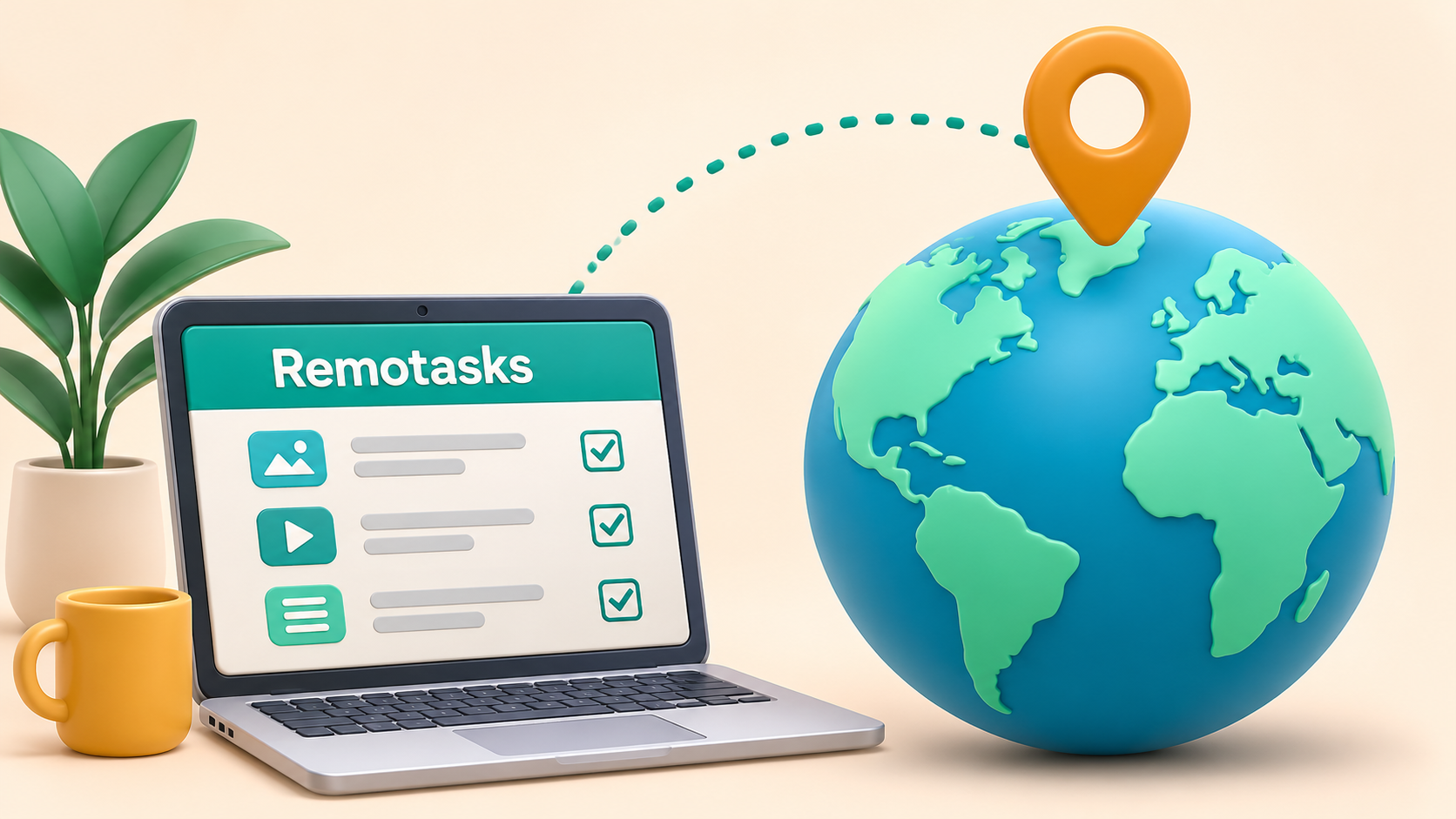
Remotasks says its platform is available in more than 90 countries, but that figure alone does not confirm whether a particular country is currently open to new contributors. Availability can also differ between existing accounts and new registrations.
Remotasks has published a country availability list that includes countries such as Brazil, France, India, Mexico, and the Philippines. However, the list is dated January 2022. It is useful as historical information, but it should not be treated as confirmation that registration or projects are available in those countries today.
For US readers, Remotasks has also published project information for US contributors. That example limits participation to certain states and territories, showing why country-level availability alone is not enough to establish eligibility. The page does not guarantee that the project is currently accepting applicants.
Where to Check Current Country Availability
The most useful place to start is the Remotasks registration page or an existing account dashboard. If the platform displays a location message, read it alongside any current project invitation or account notice.
Before investing time in training, check:
- Registration: Is Remotasks currently accepting new contributors from the actual country of residence?
- Account access: Can an existing contributor continue using the account from the current working location?
- Project eligibility: Does the specific project accept contributors from that country, state, or territory?
- Payment access: Is a supported payment method available and usable in that location?
If the information is unclear, contact Remotasks support with the actual working location and ask about both account access and the relevant project. This is especially useful when an older country list conflicts with a registration message.
Why a Listed Country May Still Have No Available Projects
A country can be mentioned on a Remotasks page without every contributor there having access to every task. A project may need contributors with a particular language, background, or qualification. It may also restrict work to specific locations or stop accepting new applicants once its needs are met.
The number of available assignments can change independently of country access. A contributor may be able to sign in and complete training but still see an empty task queue if no suitable work is currently assigned.
A connection that appears to come from another country does not change a contributor’s actual location or project eligibility. Remotasks requires users to represent their location accurately, so a location error should be raised with support rather than treated as proof that another country’s tasks are available.
Common Remotasks Problems and What to Do About Them
Remotasks users can run into problems at different stages, from onboarding to payment. The right response depends on whether the issue involves project availability, account eligibility, payment information, or the network connection.
No Tasks After Signing Up
An empty task queue can appear even after an account has been created. There may be no suitable projects available, a required course may be incomplete, or the account may still be under review.
Start by checking the dashboard for unfinished onboarding steps, qualification tests, and project notifications. If all required steps appear complete, check for platform announcements or contact support. An empty queue does not necessarily mean there is a technical problem, and changing an IP address does not create new assignments.
Full-Industry Proxy IP Application Solutions
Power scalable growth for every cross-border business scenario with IPFLY’s reliable global proxy network
Training Takes Time but Does Not Lead to Paid Work
Some projects require contributors to study instructions or pass tests before they can work. Finishing training may establish eligibility, but it does not guarantee an immediate assignment.
Before starting a course, check whether the training is paid, what qualifications are needed, and whether the project is accepting contributors. Keeping track of preparation time can also help determine whether a project’s potential earnings are worth the effort.
Payment Is Delayed or Lower Than Expected
If a payment is missing or lower than expected, first check the account’s task and payment records. Confirm that the submitted work has reached the appropriate review or payment stage and that the payment account details are correct.
Also check for any withdrawal or currency conversion fees charged by the payment provider. If the amount still does not match the project terms, contact Remotasks support with the relevant task dates and payment details. Avoid sharing passwords or payment credentials when requesting help.
Account Restrictions or Removal From a Project
A contributor may lose access to an account or project for several reasons. These can include eligibility requirements, work quality, or a possible policy issue. The exact reason cannot be determined from a restriction message alone.
Read any notice from Remotasks and follow the stated support or appeal process. Include relevant account and project information, but do not create another account to work around the restriction: the platform’s community guidelines prohibit multiple accounts.
Login, Location, or Technical Errors
When a page fails to load or a login attempt produces an error, check whether other websites work and whether the browser is up to date. A temporary network or browser issue may be responsible, but an error can also come from the platform or an account restriction.
If a proxy is already in use, incorrect server details or authentication settings can prevent a connection. Check those settings only if proxy use is permitted for the account. If Remotasks reports an incorrect location or a restricted account, contact support and provide the actual location instead of repeatedly changing IP addresses.
Can a Proxy Help You Access Remotasks?
A proxy routes a connection through an intermediary server. When a browser uses a proxy, a website generally sees the proxy’s IP address as the connection’s source. Understanding how a proxy works helps explain why the displayed IP location can differ from the contributor’s actual location. Depending on the service, users may be able to select an IP associated with a particular country.
A proxy can change the IP address used for a connection, but it does not change a contributor’s actual location, identity, or project qualifications. It also cannot guarantee that Remotasks will accept the connection or assign tasks.
Remotasks’ community guidelines prohibit using technology to mislead the platform about a user’s location or identity. They also prohibit working around technical limitations.
For contributors with a specific reason to use a proxy, the first step is to ask Remotasks support whether that connection is permitted. If the platform displays an incorrect location, provide the actual working location and follow the support team’s instructions.
How to Set Up IPFLY for Remotasks Access
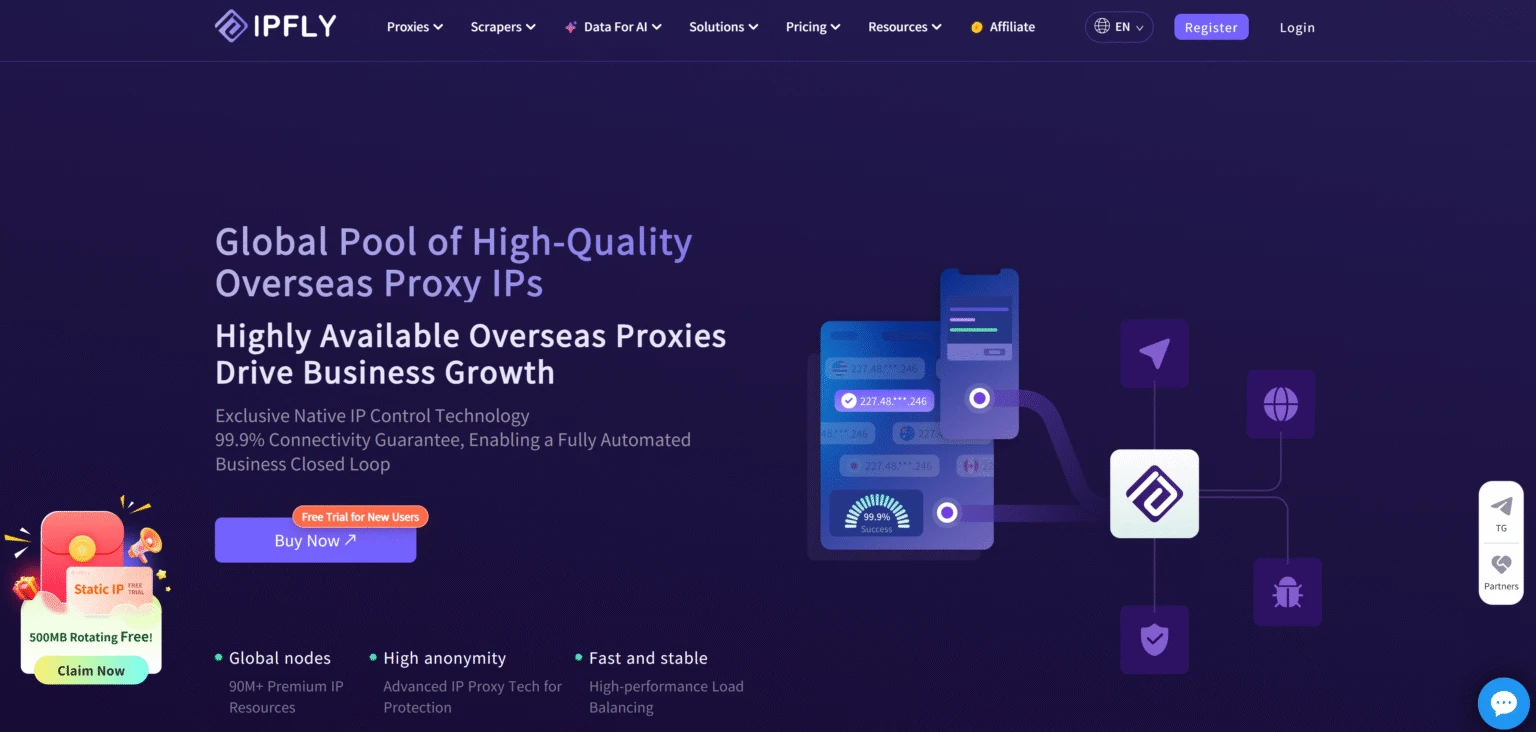
The following steps apply only when Remotasks permits the use of a proxy for the account and connection. Confirm that permission before purchasing or configuring a proxy.
Step 1: Confirm That Your Connection and Location Are Permitted
Check the location requirements for the Remotasks account and the specific project. If there is a reason to use a proxy, contact Remotasks support and explain the intended setup, including the actual working location.
Proceed only after confirming that the connection is permitted. A proxy location should not be used to misrepresent where the contributor is working.
Step 2: Choose an IPFLY Proxy and an Appropriate Location
Sign in to IPFLY and review the available proxy products and locations. For example, an ISP proxy provides a static IP address, while a rotating residential proxy uses an address from a residential pool and may change according to its session settings.
Choose a location that matches the permitted use confirmed with Remotasks. Check the selected plan’s location availability and terms before purchase.
Step 3: Add the Proxy to Your Browser or Device
After obtaining the proxy, find its connection details in the IPFLY dashboard. Knowing how to find the proxy address and port makes it easier to enter the correct connection details. For a static residential proxy, IPFLY’s setup documentation identifies the following details:
- Proxy host
- Port number
- Account or username
- Password
Enter these details in the proxy settings of the browser, device, or application being used. Select a supported protocol where required, then save the settings. The available fields and authentication prompts depend on the software.
Keep the proxy host and the exit IP address separate: IPFLY notes that the exit IP is used to check the connection and should not be entered as the proxy host.
Step 4: Test the Connection and Check for Errors
Open an IP-checking page in the same browser or application and check whether it displays the expected exit IP. A matching result indicates that this connection is using the proxy; it does not confirm that Remotasks accepts the connection or that the account qualifies for a project.
If the connection fails, recheck the host, port, protocol, and credentials. Different proxy connection errors can point to different problems, such as an unreachable server or incorrect authentication details. If Remotasks displays a location or account warning, contact its support team rather than changing locations to work around the message.
Why Consider IPFLY for a Permitted Remotasks Connection?
For contributors who have confirmed that Remotasks permits their intended proxy connection, IPFLY offers different proxy types and location options. The right choice depends on the required location, how long the connection needs to remain consistent, and the available plan.
Choose IP Addresses From Multiple Countries
IPFLY offers IP addresses in multiple countries and regions. Its residential network supports country-level selection, while its ISP proxy page lists locations including the United States, the United Kingdom, Canada, Germany, and Japan. Available locations can differ by product and plan.This choice allows users to select a suitable IP location for an authorized connection.
Select a Connection Type for Your Needs
IPFLY provides both rotating residential proxies and static residential, or ISP, proxies.
A rotating residential proxy is an option when location selection and a residential IP are needed. Depending on the selected settings, the exit IP may change; a sticky session can retain an IP for a period but should not be treated as a permanent address.
An ISP proxy provides a static IP for users who need a consistent address during the purchased term. The available locations and duration should be checked before ordering.
IPFLY can provide the proxy connection, but it does not control Remotasks account approval, task availability, or project eligibility. A working proxy connection should therefore be evaluated separately from access to the platform and its tasks.
FAQ
Is Remotasks free to join?
Remotasks offers free online courses and training. Check current project terms before applying.
Does Remotasks require identity verification?
Verification may be required during onboarding or account review. Use only the official verification process.
Can I work on Remotasks while traveling?
Check the project’s location requirements and ask support before working from another location.
Can I use Remotasks on multiple devices?
Confirm device requirements with Remotasks support, and never share account credentials.
Explore other data labeling, transcription, or freelance platforms that accept contributors in your location.
Conclusion
Remotasks offers flexible online tasks, but earnings and project availability vary. Check the requirements for your actual location before signing up or starting work. If Remotasks permits a proxy for your connection, explore IPFLY ISP proxies and choose a plan that meets your needs.