
A syntax error can stop a program before it gets a chance to run. A missing colon, an unclosed quotation mark, or an incomplete statement may be enough to cause one.
The error message usually points to a location in the code, but the cause is not always on that exact line. Understanding what the message means makes it easier to find the mistake and correct it.
What Is a Syntax Error?
A syntax error occurs when code does not follow the grammar rules of a programming language. A compiler or interpreter finds the invalid code while trying to parse it.
For example, a Python if statement requires a colon after its condition. The following code leaves out that colon:
if score >= 60
    print("Passed")
Because the statement does not follow Python’s syntax rules, the interpreter reports a syntax error. Different languages have different rules, so syntax that is valid in one language may not be valid in another.
Why Do Syntax Errors Happen?
Syntax errors often start with a small oversight. A developer may leave out a character while typing, delete part of a statement during an edit, or copy a code example without its closing bracket.
They can also happen when someone works with more than one programming language. Each language has its own rules for punctuation, indentation, and statement structure. A familiar pattern from one language may be invalid in another.
The programming environment matters, too. A piece of code may use a syntax feature introduced in a newer version of a language, while the installed interpreter or compiler only supports an older version. In that case, the same code may be valid in one environment but fail to parse in another.
How to Identify a Syntax Error
The first clue is usually an error message from the compiler or interpreter. It may include the file name, a line number, and a short description of what went wrong. An editor may also underline the affected code or show a warning before the program runs.
Start at the reported line, then look at the lines immediately before it. The location in the message shows where the parser detected a problem; The mistake itself may be earlier. For example, an unclosed parenthesis on one line can make a later line appear invalid.
When the message is unclear, an integrated development environment (IDE) or a linter can provide another view of the code. A linter is a tool that checks source code for potential problems. It may highlight an incomplete statement or help narrow down the area to inspect.
For a longer file, a small reproducible example can make the error easier to find. Copy the relevant code and any definitions it needs into a separate file, then check whether the error still appears. Remove unrelated parts gradually while keeping the error present.
Why Should You Fix Syntax Errors First?
A syntax error can prevent the affected code from being parsed, so the program or module may not run. Until it does, tests may not reach the behavior they are meant to check.
An early syntax error can also cause later code to be read incorrectly and produce additional messages. Fixing the first reported error and checking the code again can reveal which messages still need attention.
Once the code parses successfully, testing can continue for other problems, such as unexpected results or errors that occur while the program runs.
Common Types of Syntax Errors
Syntax rules vary by language, but many errors fall into a few recognizable categories. The following examples use Python unless otherwise noted.
Missing or Mismatched Brackets, Braces, or Parentheses
Paired symbols mark the boundaries of expressions, collections, and code blocks. A missing or mismatched symbol makes it unclear where the structure ends.
In this example, the opening parenthesis has no matching closing parenthesis:
print("Hello"Missing or Unclosed Quotation Marks
Quotation marks mark the start and end of a string. An ordinary string that starts with a quotation mark but has no closing mark is incomplete:
message = "HelloMissing Required Punctuation
Some statements require punctuation in a particular position. In Python, a colon follows the condition in an if statement:
if score >= 60
    print("Passed")
Other languages have different punctuation rules. A character required in one language is not necessarily required in another.
Incorrect Indentation
Python uses indentation to define code blocks. If a statement is not indented as required after an if statement, the interpreter reports an IndentationError:
if score >= 60:
print("Passed")
Misspelled Keywords
Keywords have specific meanings in a programming language. A misspelled keyword can make the surrounding statement invalid:
whlie count < 5:
    count += 1
Not every spelling mistake causes a syntax error. A misspelled variable name may be valid syntax but lead to an error when the code runs.
Clear Step-by-Step Proxy IP Tutorials
Master proxy setup, integration and performance optimization quickly with IPFLY guides
Invalid Statement Structure
A statement may contain familiar symbols and names but arrange them in a way the language does not allow. An expression can also be incomplete:
total = 10 +Syntax Unsupported by the Language Version
Language features can change between versions. Code written with a newer syntax feature may be valid in a current interpreter but cause a syntax error in an older version that does not recognize it.
How to Fix a Syntax Error
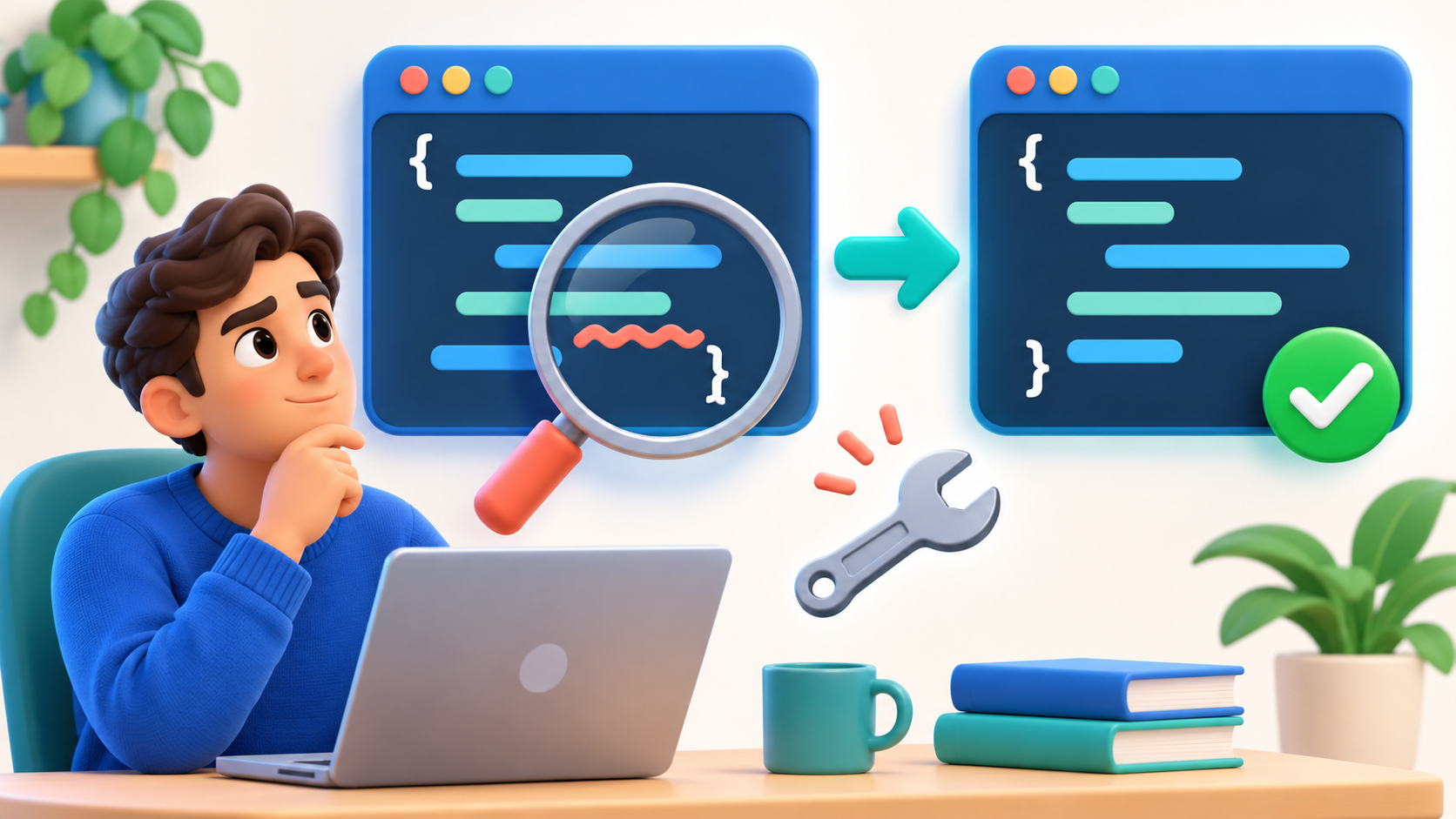
A useful approach is to start with the first error message, inspect the surrounding code, and check the result after each change.
- Read the Error Message
Look for the file name, line number, and description. These details provide a starting point for the search.
If several messages appear, begin with the first one. A single mistake can affect how the parser reads the code that follows.
- Inspect the Reported Line and the Lines Before It
Check whether brackets, braces, and parentheses have matching partners. Look for unfinished strings, missing punctuation, and incomplete expressions.
The reported line may be where the parser noticed the problem, rather than where the mistake began. If that line looks correct, inspect the preceding code.
For example, this Python statement is missing a closing parenthesis:
print("Hello"Adding the matching parenthesis makes the function call valid:
print("Hello")- Check the Statement and Code Block Structure
Compare the affected statement with the rules of the language. Check keyword spelling and order, as well as any punctuation required to introduce a code block.
For Python, also check indentation. Statements inside the same block should use consistent indentation:
if score >= 60:
print("Passed")- Verify the Language Version
If the code appears correct but uses a newer language feature, check the version of the compiler or interpreter running it. Compare that version with the feature’s requirements in the language documentation.
If the environment does not support the syntax, use a compatible version where appropriate, or change the code to a form supported by the existing environment.
- Use Tools to Narrow Down the Problem
An IDE or linter can highlight the affected area. A formatter can also make code structure easier to read, although it may be unable to format code that it cannot parse.
For a hard-to-find error, isolate the relevant code in a small example. If the error remains, inspect that smaller section instead of the entire file.
- Run the Check Again
After making a correction, run the program or syntax check again. Confirm that the original message is gone before moving on to any remaining errors.
How Can Proxies Help With Remote API Debugging?
A syntax error is not the only issue that can interrupt an API test. After the code parses correctly, a request may work from a local machine but produce a different response when sent from another region.
For example, an API may accept requests only from addresses on an approved IP allowlist. To investigate a report from another region, a developer can configure an authorized proxy in that region and ask the API administrator to approve its exit address for the test. Comparing that request with the local one can help identify whether the difference is related to network or regional settings.
IPFLY Residential Proxy offers location selection and sticky sessions for this kind of test. A sticky session can keep the same address during a series of related requests, provided the session and underlying connection remain available. It should not be treated as a permanent address; An allowlist test that requires a specific address across separate sessions may need a static IP instead.
During testing, keep the request method, headers, and body consistent, and record the response from each environment. Verify that the proxy address corresponds to the intended region, since location databases do not always agree. IPFLY’s guide to testing proxy locations also recommends checking the full workflow, including authentication and session settings.
Conclusion
A syntax error means code breaks a programming language’s grammar rules. Reading the error message, checking the surrounding code, and running the check again can help pinpoint and resolve the mistake. For authorized API tests that also require comparisons across regions, explore IPFLY Residential Proxy as part of the debugging workflow.