

A device can show an active Wi-Fi connection while failing to load websites. Its network settings may list an IP address, a subnet mask, and a field called Default Gateway.
What is a default gateway? It is the router a device sends traffic to when no more specific route matches the destination. On most home networks, the gateway address is the local IP address of the Wi-Fi router.
Understanding this setting helps explain how traffic leaves a local network, where to find the gateway address, and which checks to make when internet access fails.
What Is a Default Gateway?
The Next Hop Beyond the Local Network
A computer can usually communicate directly with other devices on its local subnet. Reaching another network requires a router to forward the traffic.
The default gateway provides that next hop for destinations without a more specific route. It does not need to know the entire path to a website. It forwards the packet, and other routers continue the journey.
The gateway address identifies a router interface. On a home network, that interface usually belongs to the Wi-Fi router. On a business network, a firewall or Layer 3 switch may perform the same routing role.
A Simple Example with a Computer, Router, and Website
Consider this illustrative home network:
| Network setting | Example value |
| Computer’s IPv4 address | 192.168.1.20 |
| Subnet mask | 255.255.255.0 |
| Default gateway | 192.168.1.1 |
| Printer’s IPv4 address | 192.168.1.50 |
With this subnet mask, the computer and printer belong to the same local subnet. Under normal conditions, the computer can send traffic to the printer without routing it through the default gateway.
A website’s server is outside that subnet. Assuming no more specific route applies, the computer sends the website traffic to 192.168.1.1. The router then forwards it toward the destination.
A subnet groups addresses under a shared network prefix. The subnet mask defines that boundary; similar-looking addresses alone do not establish which devices are local.
How a Device Chooses Where to Send Traffic
Local Traffic, Specific Routes, and the Default Route
A device keeps a routing table: a list of destinations and the paths used to reach them.
In a typical setup, the table includes:
- A route for the directly connected local network.
- Specific routes added by software or a network administrator.
- A default route for destinations without a more specific match.
For example, an office computer may have a specific route to a company server network through a second router. Traffic to those servers follows that route. Ordinary internet traffic may use the default gateway.
The host routing rules in RFC 1122 distinguish local delivery, routes to particular destinations, and default gateways. This explains why traffic outside a local subnet does not always follow the same path.
How Devices Learn the Gateway Address
Most home devices receive their IPv4 settings automatically through DHCP. Along with an IP address and subnet mask, the DHCP server can supply router addresses through the DHCP Router Option.
This usually happens when a device joins Wi-Fi or connects through Ethernet.
Networks with manual settings require the correct address from the network administrator or router configuration. A common address such as 192.168.1.1 works only when it matches the actual network.
IPv6 uses a different discovery process. Devices commonly learn default routers through Router Advertisements, which are explained further in the FAQ below.
How to Find the Default Gateway
Start with the active network connection. A computer may list Wi-Fi, Ethernet, and virtual adapters at the same time.
Windows
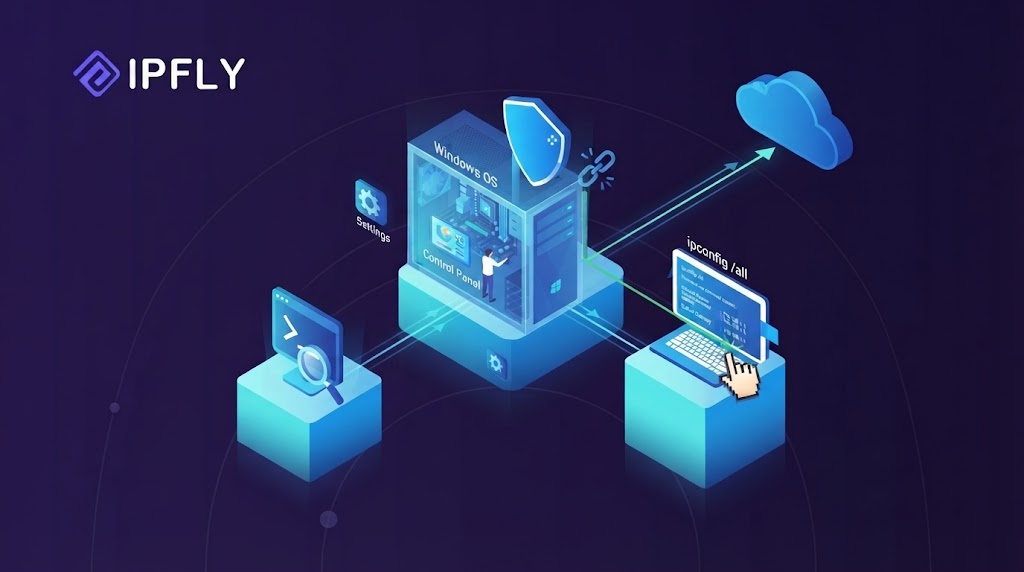
Open Command Prompt or PowerShell and run:
ipconfigLocate the connected Wi-Fi or Ethernet adapter, then find Default Gateway beneath it.
Illustrative output:
Wireless LAN adapter Wi-Fi:

   IPv4 Address. . . . . . . . . . : 192.168.1.20
   Subnet Mask . . . . . . . . . . : 255.255.255.0
   Default Gateway . . . . . . . . : 192.168.1.1
Here, the gateway address is 192.168.1.1.
Microsoft documents that ipconfig displays addresses, subnet masks, and default gateways for network adapters. Disconnected adapters can be ignored when checking the current connection.
macOS and Linux
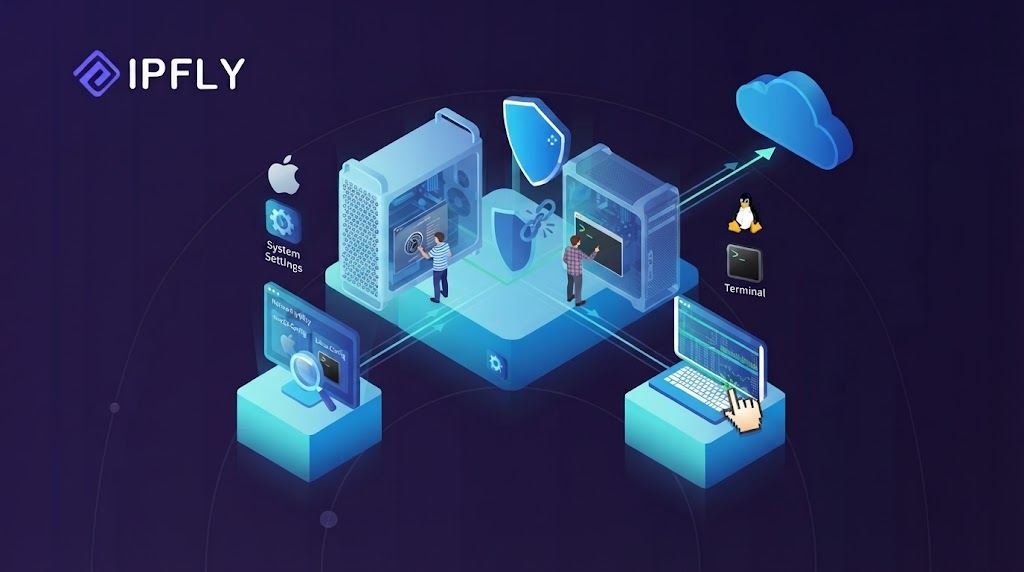
On macOS, open System Settings → Network, select the active connection, and open Details → TCP/IP. The gateway appears in the Router field.
Apple groups the router address with the connection’s TCP/IP settings. These values can be viewed without changing them.
On Linux, open a terminal and run:
ip -4 route show defaultIllustrative output:
default via 192.168.1.1 dev wlan0 proto dhcp metric 600The address after via is the IPv4 gateway. The value after dev identifies the network interface.
If several entries appear, compare their interface names and metrics. Red Hat’s guidance on managing default gateways explains how multiple connections can affect routing.
iPhone, iPad, and Android

On iPhone or iPad:
- Open Settings → Wi-Fi.
- Tap the information icon beside the connected network.
- Find Router under the IPv4 address details.
On Android, open the details for the connected Wi-Fi network. Look for Gateway under network information or advanced settings.
Android menus vary by device and software version. If the gateway is not displayed, another computer on the same network can provide a useful reference. The device manufacturer’s instructions may also identify the correct menu.
Changing from automatic to manual addressing is unnecessary merely to inspect network settings.
These steps concern Wi-Fi connections. Mobile data connections do not use the same home-router settings screen.
Default Gateway vs. Router, DNS Server, and Public IP
Several networking terms may refer to the same physical device while describing different jobs.
| Term | What it means | Example |
| Default gateway | The next-hop router used when no more specific route matches | A router’s local address, such as 192.168.1.1 |
| Router | A device or routing function that forwards traffic between networks | A home Wi-Fi router |
| DNS server | A service that resolves names such as example.com into addresses | A resolver provided by an ISP or another DNS provider |
| Public IP address | An address routable on the public internet | An internet-facing address used by a connection |
A home router may act as both the default gateway and a DNS forwarder. The same address can therefore appear in both fields, even though the roles differ.
The gateway address also differs from the public IP address websites may see. In a typical home IPv4 setup, the router translates local addresses before sending traffic upstream. The ISP may perform another layer of translation.
Changing the DNS server changes how names are resolved. Changing the default gateway changes where matching traffic is sent. One setting cannot generally substitute for the other.
A “default gateway not available” message is a starting point for diagnosis. It does not identify a single cause.
Complete Proxy IP Fundamentals
Build a full proxy knowledge framework — from core principles to protocol selection
The Gateway Field Is Blank or the Address Looks Wrong
First, confirm that the displayed settings belong to the active adapter. A disconnected connection may have no gateway. An unused virtual adapter may show settings unrelated to internet access.
For a home network that normally uses automatic addressing:
- Check that the connection is set to obtain its IPv4 settings automatically.
- Disconnect and reconnect Wi-Fi, or reconnect the Ethernet cable.
- Inspect the settings again.
On Windows, a DHCP-configured adapter can request a renewed lease with:
ipconfig /renewThis may briefly interrupt connectivity. Networks that use manual addressing require the correct settings from the administrator instead.
An incorrect gateway can leave local communication working while remote destinations fail, as Microsoft explains in its guidance on TCP/IP addressing problems.
The Device Cannot Reach the Gateway
Using the earlier example, a basic reachability test would be:
ping 192.168.1.1Replace the example address with the active connection’s gateway address.
A reply confirms that the device can exchange those test packets with the gateway. A timeout is less conclusive because some routers do not answer ping requests.
The next checks concern the local connection:
- Confirm that the device joined the intended Wi-Fi network.
- Inspect the Ethernet cable for a wired connection.
- Compare the IP address, subnet mask, and gateway with the network’s expected settings.
- Test another device on the same network.
If only one device fails, inspect that device’s connection and configuration. If several devices fail, check the router and shared network equipment.
Restarting a home router may restore service after a temporary fault. A restart interrupts connected users. A factory reset is a separate action that erases settings and should not be treated as an equivalent troubleshooting step.
The Gateway Responds, but Websites Still Do Not Load
Reaching the gateway confirms only part of the connection path. The router may have an upstream problem, or the device may be unable to resolve website names.
The pattern of failure helps narrow the next check:
| Observation | Useful next check |
| All devices fail to reach websites | Check the router’s internet status and ISP service |
| One device fails while others work | Inspect that device’s DNS, proxy, and application settings |
| Name lookups fail | Test the configured DNS resolver |
| One application fails | Check that application’s connection and proxy settings |
| One website fails | Check the site’s status and any site-specific error message |
On systems with nslookup installed, the following command tests name resolution:
nslookup example.comIf a proxy-enabled application fails while ordinary browsing works, inspect its proxy hostname, port, authentication, and selected protocol. A focused proxy test with curl can help separate application configuration problems from broader connectivity issues.
Where IPFLY Fits in a Network Connection
Once the basic connection works, a browser, testing tool, or data collection application may need a selected regional exit. An application proxy such as IPFLY serves that purpose.
Default Gateway vs. IPFLY Proxy: Different Roles
A default gateway and an IPFLY proxy operate at different points in the connection.
On a typical home network, the simplified path for a configured application looks like this:
Application → Local router/default gateway → IPFLY proxy → WebsiteIntermediate internet routers are omitted from this diagram.
The local gateway forwards packets toward the remote proxy. The proxy then makes the onward connection to the website for the application.
Other applications may continue using their ordinary connections unless they are also configured to use that proxy.
This application-level proxy role explains why a proxy endpoint belongs in proxy settings. It should not be entered into the device’s default gateway field.
When to Use IPFLY for Application Traffic
A team may need to check how its public website appears from another region or collect publicly available market information through selected regional exits.
IPFLY Residential Proxies offer location targeting and rotating or sticky session options. These settings address the application’s exit location and session requirements.
Rotation suits tasks that need changing exits. A sticky session helps related requests use the same exit for the supported session period; it does not make that address permanent. The choice depends on the workflow and should be tested with the intended service.
The application needs the provider’s proxy endpoint, port, authentication details, and a supported protocol. The steps for setting up residential proxies belong in the browser or application configuration.
IPFLY depends on a working underlying connection. It cannot restore an unreachable home gateway or an ISP outage. Proxy use also does not grant access rights or guarantee that a target service will accept a request.
Frequently Asked Questions
Is 192.168.1.1 Always the Default Gateway?
No. It is a common home-router address, but a network may use 192.168.0.1, 10.0.0.1, or another address. The active connection’s settings provide the correct value.
Can Two Devices Have the Same Default Gateway?
Yes. Devices on the same home subnet commonly share one gateway. Each device still needs its own appropriate local IP address. Sharing a gateway does not mean sharing the same device address.
Why Might More Than One Default Gateway Appear?
A computer may have both Wi-Fi and Ethernet connections, with separate routes for IPv4 and IPv6. Route preferences and metrics help determine which path is used.
Multiple entries alone do not prove a fault. Further inspection is needed when traffic follows an unexpected connection or access fails after switching networks.
Why Does an IPv6 Gateway Start with fe80?
Addresses beginning with fe80 are commonly IPv6 link-local addresses. They work on the local link, making them suitable for reaching a nearby router.
IPv6 hosts learn default routers through Neighbor Discovery Router Advertisements. A link-local gateway address is therefore normal. It does not mean the connection is limited to local traffic.
Does Knowing the Gateway Address Provide Router Admin Access?
No. The address may lead to a router’s management page, but access still depends on its configuration and credentials.
Some networks manage routers through a separate address or app. Others block management access from ordinary client devices.
Conclusion
A default gateway provides the next hop for traffic without a more specific route. Checking its address helps distinguish local connection problems from upstream, DNS, and application issues. For workflows that require regional proxy exits, explore IPFLY Residential Proxies and select settings that match the application’s needs.


