

A 405 error can appear when a form is submitted, an API is called, or an automated request is sent to a website. The response often includes the message “Method Not Allowed,” but that message alone may not make the problem clear.
Understanding how HTTP methods work makes the error easier to diagnose. This guide explains what a 405 response means, how it differs from other errors, and how to identify and fix its common causes.
What Is a 405 Error and How Does It Affect You?
A 405 error, also called 405 Method Not Allowed, means a server recognizes the HTTP method in a request, but the target resource does not support that method.
An HTTP method tells the server what kind of action a request is asking to perform. For example, GET is commonly used to retrieve information, while POST is commonly used to submit data.
A resource can support some methods without supporting others. For example, a page may accept GET requests to display information. If a client sends a POST request to that same resource, the server may return a 405 response.
A 405 response is expected to include an Allow header listing the methods currently supported by the target resource. For example:
HTTP/1.1 405 Method Not Allowed
Allow: GET, HEAD
In this example, the response indicates that the resource supports GET and HEAD.
The impact of a 405 error depends on the request that fails. A visitor may be unable to submit a form, while an application may fail to complete an API operation. If a page intended for indexing repeatedly returns 405 to a search engine’s requests, the search engine may be unable to crawl its content.
Common Causes of a 405 Error
A 405 error occurs when the method in a request is not supported for the target resource. Several parts of a request can lead to that mismatch, from the method selected by the client to the rules applied along the request path.
The Request Uses an Unsupported Method
Each endpoint supports a defined set of HTTP methods. An API endpoint that returns account details, for example, may accept GET requests but not POST requests. Sending POST to that endpoint can produce a 405 response.
The available methods can also differ between related endpoints. An API might accept POST at /users to create a user, while accepting GET at /users/123 to retrieve an existing user.
The Request Targets the Wrong URL
A request can use a valid method but send it to a URL intended for a different operation. For example, a form may send a POST request to a page that only displays information instead of the endpoint that processes the form.
Small differences in a URL can also lead to a different resource. These may include an incorrect path, API version, capitalization, or trailing slash. The resulting resource may not support the requested method.
The Application Route Does Not Handle the Method
An application route connects a URL and HTTP method to the code that handles a request. If an endpoint is intended to support a method but its route does not have the corresponding handler, the application may return a 405 error.
A request may also reach a static file handler instead of the intended application handler because of a routing or server configuration issue.
A Server, Proxy, or Gateway Restricts the Method
A request may pass through a web server, reverse proxy, or API gateway before it reaches the application. Rules at one of these layers can restrict which methods are accepted for a particular path.
For example, an application route may be set up to handle PUT, while a gateway rule rejects PUT requests before they reach the application. In that case, the 405 response can come from the gateway rather than the application.
An OPTIONS Preflight Request Is Not Handled
Browsers sometimes send an OPTIONS request before a cross-origin request. This is called a preflight request. It checks whether the server permits the intended method and headers.
If the server or another layer rejects that OPTIONS request with a 405 response, the browser may stop before sending the main request. This can happen even when the application has a route for the intended POST or PUT request.
405 Error vs. Other HTTP Status Codes
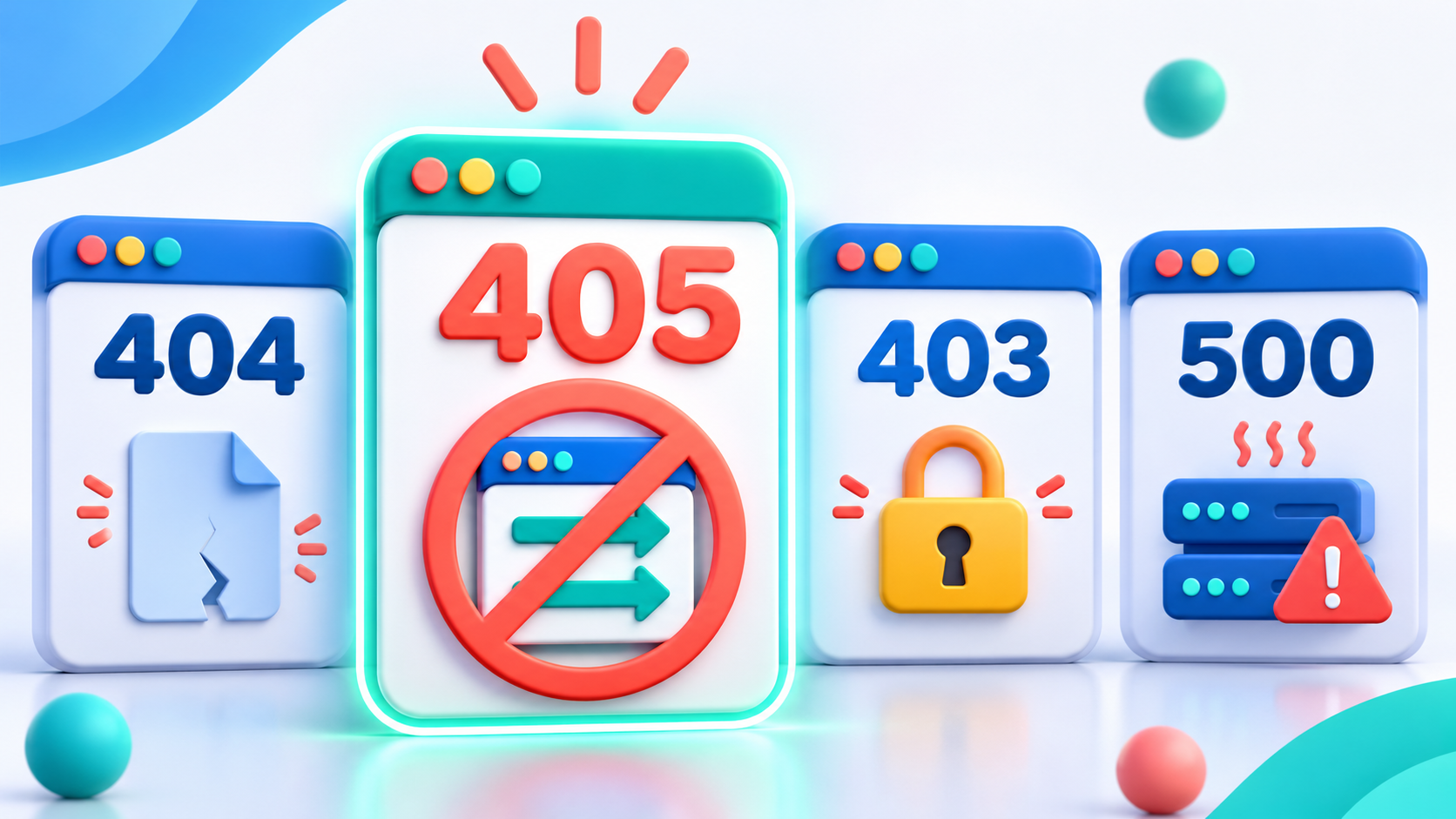
A 405 error is one of several HTTP status codes that indicate a request could not be completed. The code helps narrow down what to investigate.
| Status code | Meaning | How it differs from 405 |
| 400 Bad Request | The server cannot process the request because it considers the request invalid. | A 405 points to a method that the target resource does not support. |
| 401 Unauthorized | The request lacks valid authentication credentials for the resource. | A 405 concerns the request method, while a 401 points to an authentication requirement. |
| 403 Forbidden | The server understands the request but refuses to fulfill it. | A 405 identifies a method restriction for the target resource. |
| 404 Not Found | The server cannot find a current representation of the target resource, or will not disclose that one exists. | A 405 indicates that the method is not supported for the target resource. |
| 415 Unsupported Media Type | The server refuses the request because the content format is not supported for the target resource and method. | A 405 concerns the method itself; a 415 concerns the request content’s format. |
| 501 Not Implemented | The server does not support the functionality required to fulfill the request. | A 405 applies when the server recognizes the method but the target resource does not support it. |
These codes are useful starting points, but the response body and request details also matter. For instance, an HTTP 403 error indicates that the server understood the request but refused to fulfill it. The status code alone may not reveal which access rule caused the refusal.
How to Fix a 405 Error
Find the failed request in the browser’s Network tab, API client, or application logs. Record its method, URL, response headers, and any redirects. Then follow the solution that matches the cause.
Complete Proxy IP Fundamentals
Build a full proxy knowledge framework — from core principles to protocol selection
Match the Request Method to the Endpoint
Check the API documentation and the Allow response header. Set the request method required for the intended operation in the client, script, or form.
Before repeating a request that changes data, check whether it could create duplicate results. The API’s idempotency rules can help determine whether an operation can be repeated without additional effects.
Check and Correct the URL
Compare the request URL with the documented endpoint. Correct the path, API version, capitalization, or trailing slash where needed. Check redirects and update a form’s action if it points to the wrong destination.
Configure the Application Route
Check the route definition for the affected URL. Add or correct the handler for the method required by the application. If the request reaches a static file handler, update the routing configuration so it reaches the intended application handler.
Review Server and Intermediary Rules
Check the web server, reverse proxy, and API gateway logs to identify which layer returns the 405. Review its method restrictions and handler configuration, then update the rule for the affected path.
For IIS, also check handler mappings and WebDAV settings when relevant. Microsoft documents the IIS configurations that can cause 405 errors.
Fix OPTIONS and CORS Preflight Handling
Check whether the OPTIONS preflight request receives the 405. Configure the application or gateway to handle it and return the appropriate CORS headers for the permitted origin, method, and request headers.
Repeat the action in the browser and confirm that both the preflight and the intended request succeed.
How to Prevent 405 Errors
Preventing a 405 error starts with keeping request methods, routes, and server rules aligned as an application changes.
Keep API Documentation and Routes in Sync
Document the methods supported by each endpoint and update the documentation whenever a route changes. Keep form actions and client requests aligned with those endpoint definitions.
Test Requests Before Deployment
Test the methods required by each route, including form submissions and API calls. For cross-origin applications, test OPTIONS preflight requests and verify the CORS response headers.
Include tests for unsupported methods as well. When a route returns 405, check that its Allow header lists the methods currently supported by that resource.
For applications that use a proxy, include the connection in pre-deployment tests. Run a small test and review response logs to verify the proxy settings before expanding the workflow.
Monitor Responses After Deployment
Track 405 responses in application, web server, and gateway logs. Review changes in error frequency after a deployment or configuration update, and investigate affected URLs and methods.
How IPFLY Helps Investigate a 405 Error
A 405 error in an automation workflow may require checking more than the application code. When a request passes through a proxy, the proxy configuration and connection path are also worth checking.
IPFLY Residential Proxies support request testing and session consistency in several ways:
- Compare connection paths: Send the same test request through a direct connection and a proxy connection, then compare the responses.
- Test selected locations: Use residential IPs in selectable locations to check whether responses differ between regions.
- Keep an IP consistent during a session: Use a sticky session for a multi-step workflow that needs the same proxy IP across requests.
- Monitor the connection: Record response codes and check proxy settings during the workflow. These records can help identify configuration or connection issues that need attention.
Keep the request method, URL, and relevant headers consistent across tests. If responses differ, compare the results with available logs to identify where to investigate.
Frequently Asked Questions
Why does a form return a 405 error after submission?
The form may be sending a method that its destination does not accept, or its action may point to the wrong URL. Check the form’s method and destination against the application’s route configuration.
What if a 405 response does not include an Allow header?
Check the API documentation or ask the server administrator which methods the endpoint supports. If the application is under your control, inspect the response configuration so it returns the required Allow header.
Can a redirect cause a 405 error?
Yes. A redirect can send a request to a different URL, and the method used after the redirect can depend on the redirect status and client behavior. Inspect the full redirect chain in the browser’s Network tab or API client.
Does a 405 error mean my IP address is blocked?
A 405 response does not by itself establish that an IP address is blocked. Check the request method, target URL, response details, and available logs to investigate the cause.
Can a 405 error affect SEO?
It can affect search visibility if a search engine cannot successfully request a page that is intended to be crawled and indexed. Check which URLs and request methods are affected before deciding whether there is an SEO issue.
Conclusion
A 405 error points to a mismatch between the request method and the target resource. Check the method and URL first, then review the application route and any server or proxy rules involved. For automated workflows, IPFLY Residential Proxies can also support request testing across different connection paths and locations.