
A Roblox IP ban may come to mind when Roblox stops working across a home network. A page may fail to load, an error may appear, or several devices may have trouble connecting. These signs are frustrating, but they do not confirm the cause on their own.
This guide explains what a Roblox IP ban means, how to check the situation, and what steps to take for different access problems.
What Does a Roblox IP Ban Mean?
A Roblox IP ban generally refers to a restriction on access from a particular public IP address. A public IP address is the address an internet connection uses to communicate with online services.
Several devices on the same home network often share one public IP address. If access from that address is restricted, the restriction may affect connections from multiple devices using it.
What May Cause a Roblox IP Ban?
Roblox can restrict access when users violate its rules, but it does not publish a complete list of behaviors that lead specifically to an IP ban. The activities below can result in moderation or other restrictions; they do not always lead to an IP-level ban.
| Activity | Possible consequence |
| Cheating or using modified software | Roblox may suspend or permanently ban an account for using modified apps or software that changes how the platform works. |
| Spam, harassment, or bullying | Repeated unwanted messages or harmful behavior can lead to chat restrictions or account action. |
| Automated activity that disrupts the service | Roblox uses systems to limit automated attacks and activity that disrupts the platform. |
| Content that violates platform rules | Prohibited content may be removed, and the account may receive a warning or restriction. |
| Activity involving previously restricted accounts | An existing moderation decision may affect whether continued access is permitted. Having multiple accounts alone does not establish that an IP ban will occur. |
Roblox’s anti-cheat guidance describes possible account action for modified apps. Its moderation overview also explains how the platform handles content violations and disruptive activity. Neither source establishes a specific IP-ban risk level for each behavior.
A shared public IP can also make an access problem affect more than one person. Without information from Roblox, however, another user’s activity cannot be confirmed as the cause of a particular restriction.
How to Check If You Have a Roblox IP Ban
A Roblox IP ban may affect access from devices sharing the same public IP address. The following signs can help identify a network-related problem:
- An access error appears: Messages such as “403 Forbidden” or “Access denied” indicate that access failed, but they do not explain the cause by themselves.
- The website or app fails to load: Roblox may time out or remain unresponsive on the affected connection.
- Several devices have the same problem: Devices using the same network may all have trouble accessing Roblox.
- Another network works: The same device and account may be able to connect using mobile data or another permitted network.
How to Identify the Cause of a Roblox Access Problem
An IP restriction is one of several reasons Roblox may be unavailable. The affected account, device, or service can provide clues about where to investigate.
| Problem | What it may affect | What to look for |
| IP access restriction | Connections using a particular public IP address | Multiple devices on the same network may have trouble accessing Roblox. |
| Account restriction | A Roblox account | A moderation notice may appear when the account owner signs in. |
| Experience-specific ban | Access to one Roblox experience | The account may still be able to use other parts of Roblox. |
| Device or client problem | A particular device, app, or browser | Roblox may work on another device or in a different client. |
| Network problem | Devices using the affected connection | Other connections may work while the original network continues to have problems. |
| Roblox service disruption | Users affected by a platform issue | A reported outage may affect access across multiple networks or devices. |
These signs help narrow the possibilities, but none confirms an IP ban by itself. For example, Roblox explains that a particular PC version of error code 403 can occur when the client fails to initialize.
How to Fix a Roblox IP Ban
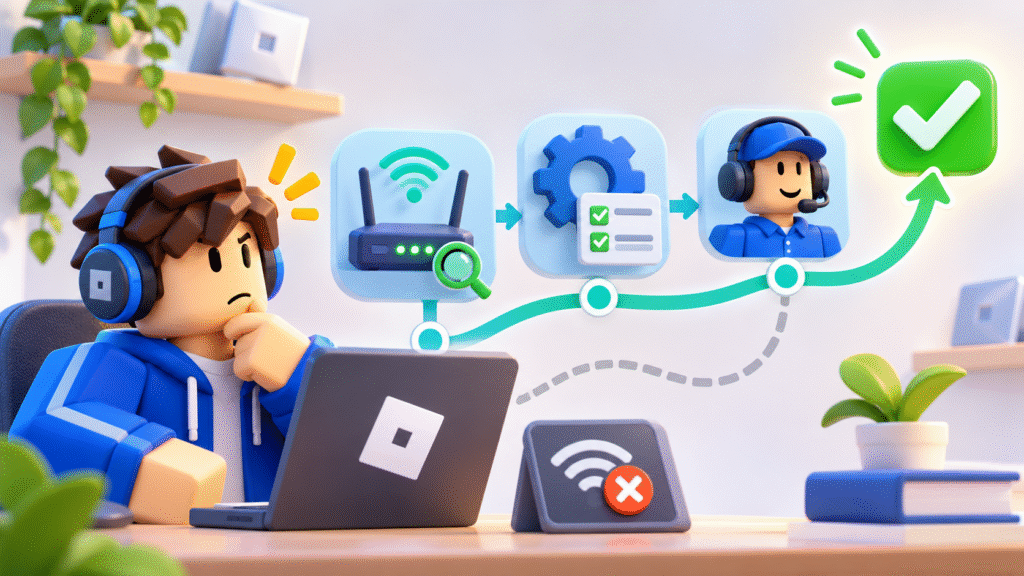
1. Restart the Router
Restart the router to resolve temporary connection problems. If the internet provider assigns dynamic IP addresses, the public IP may change, but a new address is not guaranteed.
2. Try Another Network
Connect through another permitted network, such as a mobile hotspot. If the original connection has a network issue, contact the internet provider for help.
Clear Step-by-Step Proxy IP Tutorials
Master proxy setup, integration and performance optimization quickly with IPFLY guides
3. Replace an Unreliable Proxy
If the current proxy is causing connection failures, contact the provider or test another compatible endpoint. A residential proxy can offer location selection and session settings. Confirm that the device and Roblox client support the setup before use.
4. Appeal the Restriction
Submit an appeal through Violations & Appeals or the Roblox Support form, as directed in the notice. Include the account username and a brief explanation.
Roblox’s appeal rules generally require account appeals within 30 days; regional rules may differ.
How to Reduce Future Roblox Connection Problems
A suitable connection setup can reduce some network and proxy problems. It cannot prevent every restriction, so account security and compliance with Roblox rules also matter.
Choose the Right IP and Session Settings
Proxy services can offer different session options. A static proxy generally keeps the same IP address for the applicable plan period, while a rotating proxy can change the address according to its settings.
Some rotating services offer sticky sessions, which keep an IP address for a limited time. Before choosing a plan, check the available session duration and whether a consistent endpoint is needed for the intended task.
Check Compatibility and Connection Quality
Confirm that the device and application support the proxy protocol and setup. A proxy configured for browser traffic may not apply to the Roblox app.
Connection quality matters too. High latency or frequent interruptions can affect gameplay. Test the intended setup and check the provider’s support options before relying on it regularly.
Protect the Account and Follow Roblox Rules
Use the official Roblox client, keep login credentials private, and follow the platform’s rules. If unauthorized account access is suspected, use Roblox’s account recovery process and secure the email address associated with the account.
How IPFLY Can Help With Proxy Connection Problems
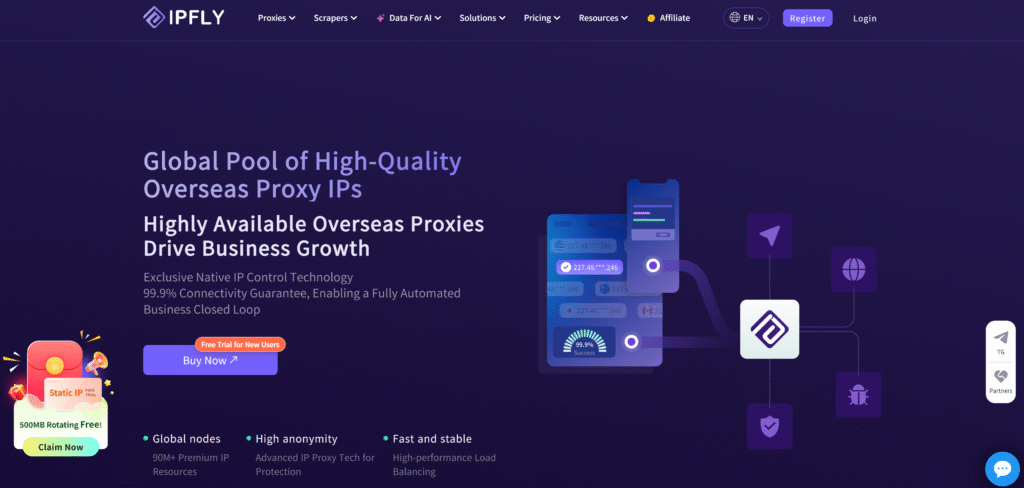
If an existing proxy connection is unreliable or lacks suitable session settings, IPFLY offers options for different connection needs:
- Rotating Residential Proxies: Offer location selection and sticky-session options.
- Static Residential Proxies: Provide a consistent residential IP for the applicable plan period.
- Dedicated Datacenter Proxies: Provide a fixed datacenter IP for tasks that require a dedicated endpoint.
Before choosing a product, check the available locations, protocols, and plan terms. Also confirm that the intended device and Roblox client support the proxy setup. IPFLY lists HTTP(S), SOCKS5, and sticky-session options for its rotating residential proxies.
Frequently Asked Questions About Roblox IP Bans
How long does a Roblox IP ban last?
The duration depends on the restriction, and an error message alone does not establish how long it will last. If Roblox provides a moderation notice, check it for the applicable period. If no duration is shown, contact Roblox Support.
Will restarting my router give me a new IP address?
Not always. The result depends on how the internet service provider assigns IP addresses. Restarting a router may result in a different public IP, but it can also retain the same one.
Can a Roblox game creator ban me from the entire platform?
A creator can enforce rules within their own experience. A platform-wide account restriction is handled by Roblox. If the restriction concerns an experience creator’s custom rules, contact the creator about an appeal.
Can I appeal a Roblox moderation decision more than once?
Roblox states that once a moderation action has been reviewed, it will not review the same action again. Include the relevant information in the initial appeal and follow the instructions in the moderation notice.
Does a new IP address automatically restore access?
No. A different IP address does not remove an account restriction or fix every client or network problem. The outcome depends on the cause of the access issue.
Conclusion
A Roblox IP ban is one possible reason for losing access. Check for a moderation notice, review the client, and test the network or existing proxy to narrow down the cause. If a compatible residential proxy fits the connection requirements, explore IPFLY residential proxies and review the plan details before testing.