

In today’s privacy-conscious and anti-scraping ecosystem, verifying your network identity is critical for operational stability. While Whoer.net has served as a staple entry-level checking tool for years, modern web platforms deploy multi-layered risk engines that look far beyond high-level browser settings. This guide evaluates the technical evolution of network environment diagnostics, analyzes the top 10 Whoer.net alternatives for 2026, and provides a clear blueprint for building a resilient, high-trust proxy infrastructure.
What Is Whoer.net & Why Is It No Longer Sufficient for Enterprise Operations?
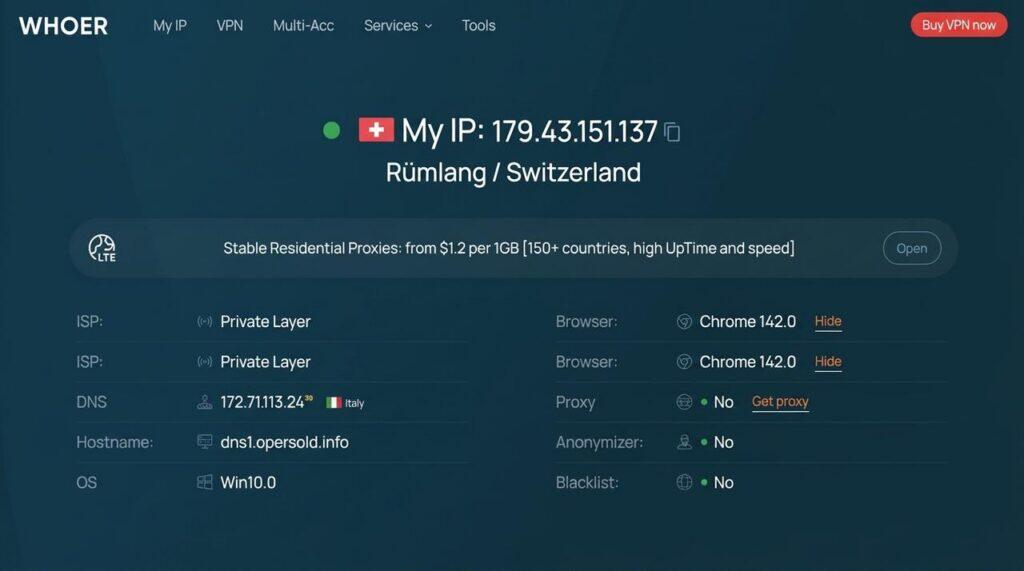
What Is Whoer.net?
Whoer.net is an entry-level, web-based proxy and browser parameter checking tool. It evaluates a connection’s basic network identity by comparing high-level parameters—such as public IP address, ISP, system language, operating system, and browser User-Agent—to produce a “Disguise Degree” percentage (0–100%). Historically, digital marketers and privacy enthusiasts used it to quickly confirm whether an HTTP/SOCKS proxy was successfully applied and if basic system variables aligned with the proxy’s location.
The Disguise Score Trap vs. Modern Enterprise Risk Engines
A green “100% disguise degree” on Whoer.net was once considered a reliable indicator of online security. However, in 2026, relying solely on basic front-end tools introduces severe operational blind spots.
Modern platforms (e.g., Amazon, Meta, TikTok, and Etsy) do not rely on high-level parameter matches. Instead, they deploy enterprise-grade risk engines like Cloudflare, Akamai, and IPQS (IP Quality Score).
[ Traditional Tool (Whoer.net) ]  ──► Inspects Front-End Parameters (Timezone, Language, UA) ──► Returns "100% Disguise"
                                                                                                        │
                                                                                                (False Security)
                                                                                                        │
[ Enterprise Risk Engine (IPQS/Akamai) ] ──► Deep TCP/IP Fingerprinting + Real-Time Abuse DB ───────► Account Flagged / CAPTCHA
Structural Limitations of Legacy Checkers:
- Static Database Update Latency: Legacy checkers query basic, delayed IP databases. An IP marked clean on Whoer.net may already be flagged as a high-risk commercial data center IP inside enterprise abuse databases.
- Shallow Fingerprint Inspection: Whoer.net checks visible browser headers but fails to detect deeper anomalies—such as WebRTC local network exposures, Canvas/WebGL hardware signatures, and TCP/IP OS stack mismatches (e.g., claiming Windows OS via User-Agent while TCP flags indicate Linux).
Real-World Case Study
A cross-border e-commerce team managing multi-region store profiles tested their setup on Whoer.net, receiving a perfect 100% disguise score. Assuming their environment was secure, they initiated store operations. Minutes later, the platform triggered secondary identity verification and locked access.
The Root Cause: While Whoer.net returned a pass based on high-level settings, an audit via Pixelscan and IPQS revealed WebRTC leak risks and a high commercial abuse score on the underlying IP address. Relying on superficial scores creates a dangerous false sense of security. Sustainable operations require real-time risk assessment paired with clean, ethically sourced network infrastructure.
Top 10 Whoer.net Alternatives Compared
To maintain environment integrity and account stability, enterprise teams require advanced diagnostic platforms. Below is a feature comparison matrix.
Quick Comparison Matrix
| Tool Name | Core Focus | IP Fraud/Risk Score | Fingerprint Inspection Depth | Best Use Case |
| Pixelscan | Hardware Profile & Parameter Consistency | No | High (Canvas / WebGL / Fonts) | Anti-Detect Profile Validation |
| BrowserLeaks | Protocol Security & API Leak Testing | No | High (WebRTC / DNS / Audio) | Network Protocol & Leak Audits |
| Iphey | Visual Hardware & OS Naturalness Balance | No | Medium (4-Layer Environment Audit) | Routine Daily Disguise Health Checks |
| CreepJS | JS Prototype & API Tamper Detection | No | Extremely High (API Integrity) | Profile Stress Testing |
| BrowserScan | Anti-Scraping Risk & Realism Scoring | Yes | High (IP Blacklist + Fingerprint) | E-Commerce & Ad Account Pre-Flight |
| IPLeak | Legacy Leak Audit & Anonymity Check | No | High (IPv6 / DNS / WebRTC) | VPN & Proxy Leak Troubleshooting |
| WhoerIP | Modern Anonymity & Blacklist Scoring | Yes | Medium (IP + Timezone + UA) | Quick Direct Replacement for Whoer |
| Cover Your Tracks | Tracker Resistance & Randomization | No | Medium (EFF Audit Standards) | Anti-Tracking & Privacy Hygiene |
| WhatIsMyIPAddress | IP Classification & Fingerprint Combo | Yes | Low-Medium (IP / ISP + WebRTC) | Basic IP Purity & Header Audits |
| IPFighter | Lightweight Risk & Snapshot Audit | Yes | Medium (Risk Score + Snapshot) | Rapid Batch Proxy Pool Inspection |
Detailed Analysis of Top Alternatives
1. Pixelscan
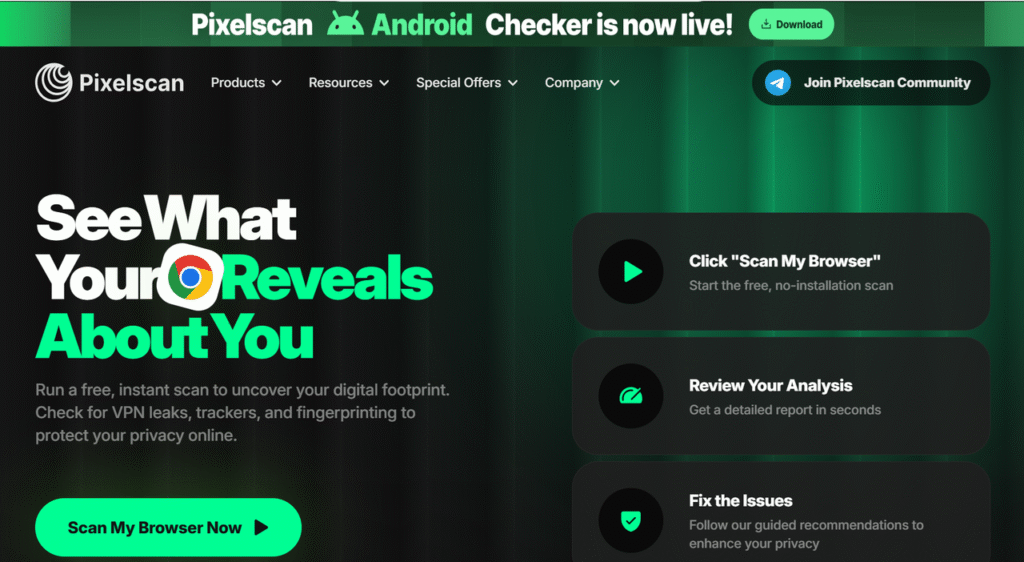
Pixelscan is purpose-built for validating anti-detect browser profiles (e.g., AdsPower, Multilogin). Unlike basic checking sites, it evaluates whether hardware parameters and browser environments look natural and consistent.
- Official Website: https://pixelscan.net/
- Key Strengths (Pros): Deep cross-analysis of Canvas, WebGL, system fonts, and screen resolution; instantly flags regional parameter mismatches (e.g., UK IP paired with non-UK system fonts).
- Limitations (Cons): Does not provide an IP fraud/abuse score or historical IP blacklist data.
- Best For: E-commerce sellers and media buyers verifying anti-detect environments prior to accessing high-value dashboards, following the Pixelscan Ultimate Browser Fingerprint Checker Guide.
- Pricing: 100% Free web tool.
2. BrowserLeaks
A technical diagnostic platform containing specialized suites for examining browser APIs, network protocol leaks, and client fingerprints.
- Official Website: https://browserleaks.com/
- Key Strengths (Pros): Highly granular testing modules for WebRTC local/public IP leaks, DNS endpoints, Canvas/WebGL signatures, and SSL/TLS headers, detailed in our Browserleaks testing guide.
- Limitations (Cons): Technical, text-heavy interface that lacks a consolidated “overall disguise score” for non-technical users.
- Best For: Developers and network engineers pinpointing protocol leak sources and auditing proxy WebRTC security.
- Pricing: 100% Free web tool.
3. Iphey
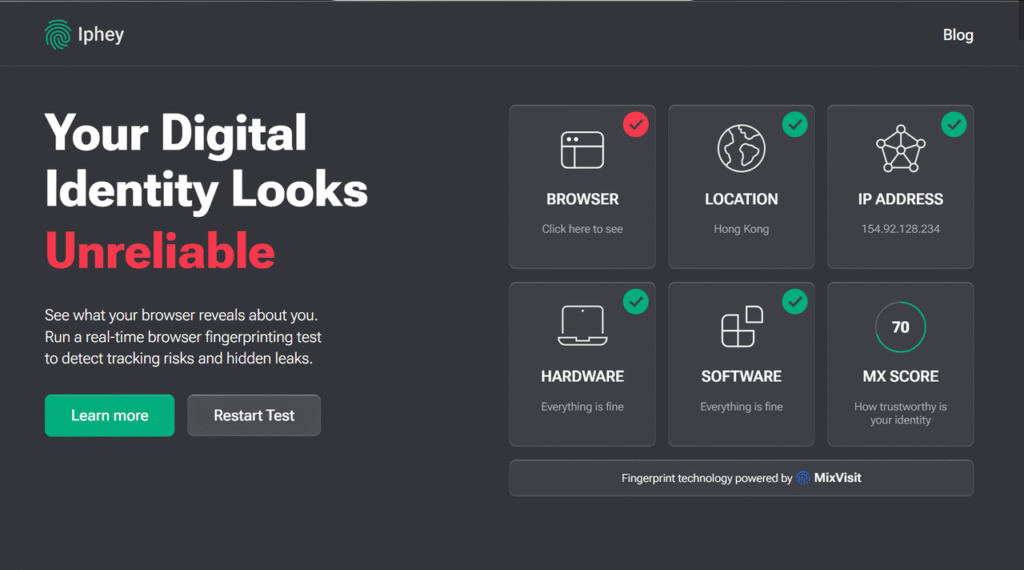
Iphey provides a visual diagnostic dashboard that categorizes browser environment health across four core layers: Hardware, Location, Browser, and Network.
- Official Website: https://iphey.com/
- Key Strengths (Pros): Modern, user-friendly scoring UI that evaluates whether your device mimics a natural consumer setup; closest overall experience to Whoer.net.
- Limitations (Cons): Uses high-level parameter heuristics that can miss subtle JavaScript prototype spoofing.
- Best For: Digital marketing operators looking for an intuitive, visual daily environment health checker.
- Pricing: 100% Free web tool.
4. CreepJS
CreepJS is an advanced open-source testing tool engineered to identify inconsistencies in synthetic or modified browser environments.
- Official Website: https://abrahamjuliot.github.io/creepjs/
- Key Strengths (Pros): Deep JavaScript prototype auditing that exposes spoofed API signatures, OS mismatch anomalies, and browser fingerprint lies.
- Limitations (Cons): Extremely strict detection algorithms that often flag standard extensions or custom user settings as suspicious.
- Best For: Advanced technical teams stress-testing browser profiles against top-tier anti-bot solutions.
- Pricing: Free / Open-source.
5. BrowserScan
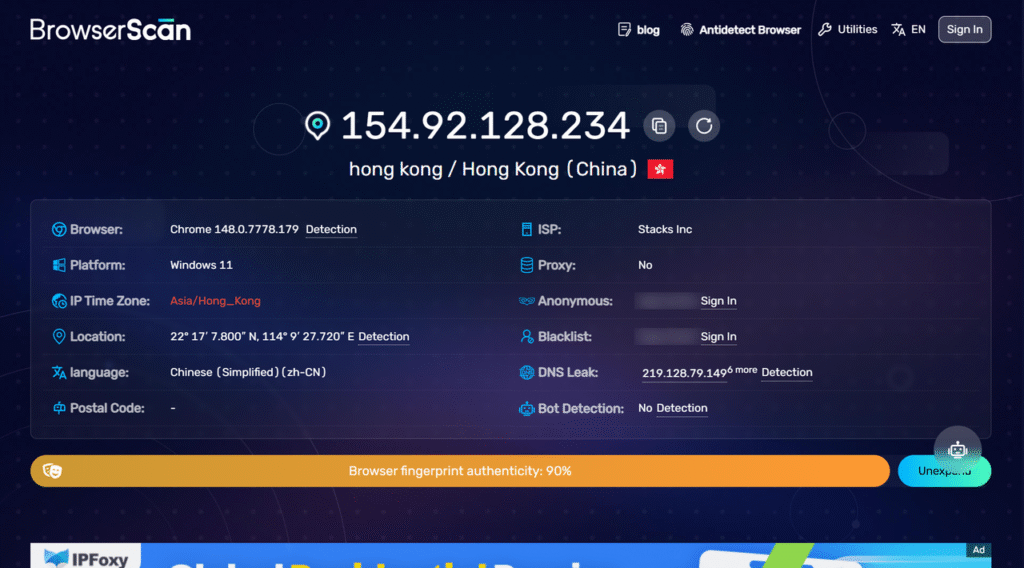
BrowserScan evaluates whether a browser environment looks authentic or easily detectable by enterprise risk engines and anti-scraping systems.
- Official Website: https://browserscan.net/
- Key Strengths (Pros): Combines IP type checks, blacklist status, WebRTC, and Canvas signatures into a unified browser authenticity score; offers browser extension and API integration.
- Limitations (Cons): Advanced automated API queries and high-volume checks require a paid tier.
- Best For: Cross-border e-commerce teams and ad agencies running pre-flight checks before batch account deployments.
- Pricing: Free web check; paid API plans starting at $9.9/month.
6. IPLeak
IPLeak is an established diagnostic suite designed for rapid leak audits and network anonymity testing.
- Official Website: https://ipleak.net/
- Key Strengths (Pros): Fast, single-page test for public IP, DNS servers, WebRTC leaks, IPv6 exposure, alongside Canvas and audio context signatures.
- Limitations (Cons): Dated UI styling with minimal guidance on how to fix detected parameter mismatches.
- Best For: VPN and proxy users needing a lightweight tool for quick leak verification and DNS tracking.
- Pricing: 100% Free web tool.
7. WhoerIP
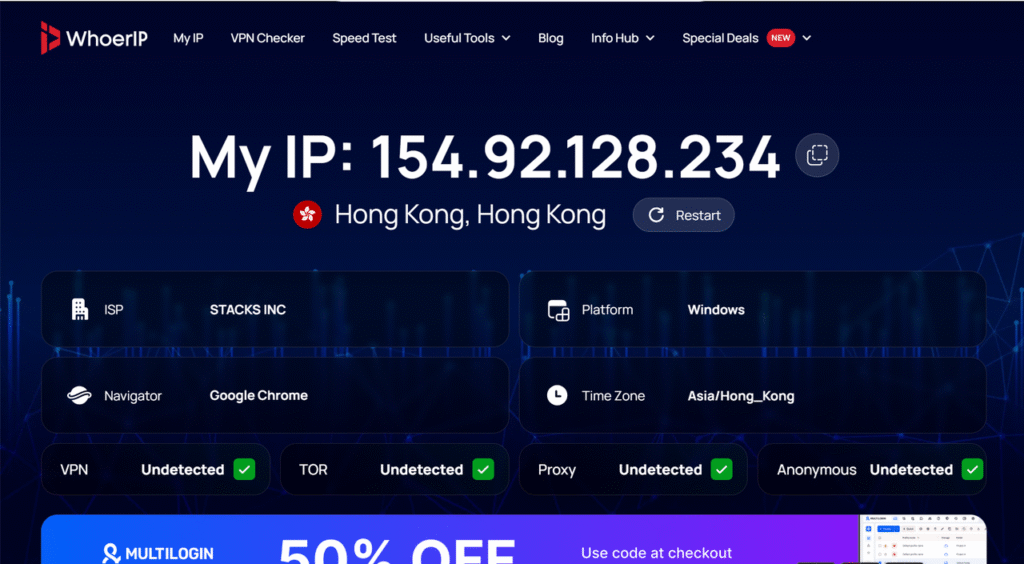
Built with a design philosophy similar to Whoer.net, WhoerIP delivers a modern, streamlined environment for rapid anonymity scoring.
- Official Website: https://whoerip.com/
- Key Strengths (Pros): Clean one-click anonymity percentage, instant IP blacklist auditing, system timezone/UA matching, and zero ad bloat.
- Limitations (Cons): Lacks deep hardware API inspection compared to dedicated engines like Pixelscan or CreepJS.
- Best For: Users seeking a modern, clutter-free direct alternative to Whoer.net for fast disguise degree checks.
- Pricing: 100% Free web tool.
Expert Proxy IP Comparisons & Reviews
In-depth multi-dimensional analysis to help you pick the most cost-effective IPFLY plan
8. Cover Your Tracks (EFF)
Developed by the Electronic Frontier Foundation (EFF), this platform measures how well a browser configuration resists commercial tracking scripts.
- Official Website: https://coveryourtracks.eff.org/
- Key Strengths (Pros): Audits ad-blocker efficacy, tracker blocking, and calculates fingerprint uniqueness against EFF global research datasets.
- Limitations (Cons): Focuses on privacy/tracking defense rather than anti-detect profile validation or proxy IP health.
- Best For: General privacy hygiene audits and evaluating browser anti-tracking extensions.
- Pricing: Free / Non-profit tool.
9. WhatIsMyIPAddress
A popular network lookup tool offering detailed IP ISP information combined with essential browser fingerprint inspection.
- Official Website: https://whatismyipaddress.com/
- Key Strengths (Pros): Accurately classifies residential vs. data center IPs, checks IP blacklist history, and audits WebRTC/User-Agent alignment.
- Limitations (Cons): Contains heavy web display ads and does not inspect advanced Canvas or WebGL hardware fingerprints.
- Best For: Users wanting a quick overview of IP reputation and basic browser header consistency.
- Pricing: 100% Free web tool.
10. IPFighter
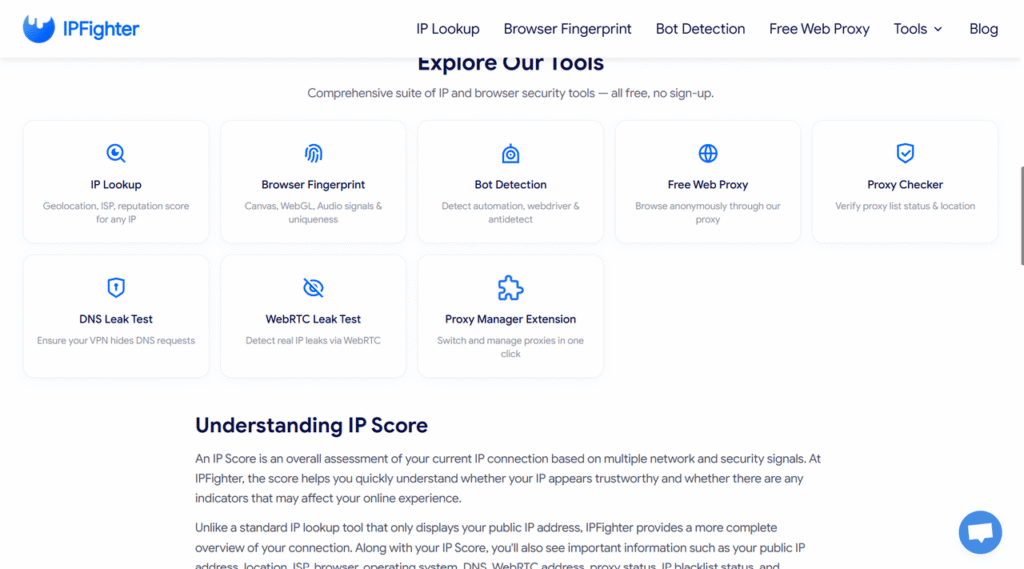
IPFighter is a lightweight diagnostic tool providing real-time IP risk scoring combined with browser environment snapshots.
- Official Website: https://ipfighter.com/
- Key Strengths (Pros): Fast visual dashboard that gives a quick risk score by pairing IP database quality with basic browser fingerprint checks.
- Limitations (Cons): Newer platform with smaller historical threat database coverage compared to legacy threat databases.
- Best For: Rapid pre-inspections for proxy pools and daily multi-account environment sweeps.
- Pricing: Free web tool.
Beyond Whoer.net: Why Pure Residential Proxies Are the Real Foundation for IP Trust
Diagnostic tools identify risks; they do not fix poor network infrastructure. Upgrading from Whoer.net to advanced platforms like BrowserScan or Pixelscan provides clear visibility into connection health, but passing a diagnostic test means little if the underlying IP fails enterprise risk checks at the destination server.
Target platforms analyze the reputation of your Autonomous System Number (ASN) and Internet Service Provider (ISP). Shared data center IPs or recycled proxy pools are frequently flagged by automated risk engines, leading to unexpected account restrictions, shadowbans, or rejected ad campaigns. Sustainable, high-trust operations require ethically sourced, real residential proxy infrastructure.
IPFLY Enterprise Proxy Solutions: High-Purity Network Infrastructure.
To eliminate the root cause of high IP risk scores, IPFLY (a professional global proxy brand developed by Chengdu Zhihui Lantu Technology Co., Ltd.) provides enterprise-grade proxy infrastructure engineered for high-trust operations. Built on self-managed servers, proprietary big data filtering algorithms, and a multi-layer IP selection mechanism, IPFLY ensures high connection success rates and absolute link security across 190+ countries and regions.
Tailored IPFLY Infrastructure by Operational Scenario:
- Static Residential Proxies (ISP Proxies):
- Core Features: Assigned directly by real ISPs (e.g., AT&T, Comcast, Vodafone). Unchanging, unlimited bandwidth, dedicated non-reused IPs supporting HTTP, HTTPS, and SOCKS5 protocols.
- Best For: Multi-store e-commerce management (Amazon, eBay, Etsy), social media marketing (TikTok, Instagram), and digital ad accounts requiring fixed, trusted digital identities.
- Dynamic Rotating Residential Proxies:
- Core Features: Access to a massive global pool of over 90,000,000+ ethically sourced real-user residential IPs. Supports automatic IP rotation per request or at custom intervals with millisecond response speeds and zero concurrency limits.
- Best For: Web scraping, automated testing, price intelligence, SEO tracking, and ad verification without triggering rate limits or IP blocks.
- Static Data Center Proxies:
- Core Features: High-speed, highly stable dedicated server IPs combining ultra-low latency with cost efficiency and 99.9% uptime SLAs.
- Best For: High-concurrency data processing, streaming unlock, and automated enterprise security testing.
[ Anti-Detect Browser / Automation App ]
                 │
                 ▼
 [ IPFLY Pure Residential Network ] ──► (Real Consumer ISP: AT&T / Comcast / Vodafone)
                 │
                 ▼
[ Target Platform / Marketplace / Data Source ] (Recognized as Genuine Consumer Traffic)
Why Industry Professionals Choose IPFLY
- Unrivaled IP Pool: Real residential IPs spanning 190+ countries and regions.
- 100% Genuine ISP Trust: Route your traffic through authentic consumer networks (AT&T, Comcast, Vodafone) with dedicated, non-reused static or dynamic residential proxies.
- Enterprise Reliability: Enjoy unlimited concurrency, full HTTP/HTTPS/SOCKS5 protocol support, and a guaranteed 99.9% network uptime SLA backed by 24/7 technical assistance.
Technical Setup Best Practices: Achieving Zero Leaks & High Trust
Combining IPFLY’s pure residential proxies with proper browser environment configuration ensures maximum stability and privacy protection.
Step 1: Deploying IPFLY Enterprise Residential Proxies
Configure your network connection using standard IPFLY credentials retrieved from the IPFLY Proxy Dashboard:
Protocol -> SOCKS5 / HTTP(S)
Host     -> 104.28.12.45
Port     -> 8000
User     -> ipfly_user_us_la
Pass -> SecurePass2026!- Targeting Precision: Select country, city, or ASN-level targeting to seamlessly align with your target market.
- Protocol Compatibility: Ensure your anti-detect browser or scraper script is configured for HTTP/SOCKS5 to guarantee encrypted transport.
Step 2: Anti-Detect Profile Alignment
- Timezone & Locale Matching: Enable “Fill Timezone based on IP” inside your browser settings so system clocks match the proxy’s physical coordinates automatically.
- WebRTC Protection: Set WebRTC mode to “Altered” or “Routed” to prevent hardware APIs from leaking local LAN IP addresses.
- OS Signature Harmony: Ensure User-Agent strings align naturally with underlying Canvas, WebGL, and system font profiles.
Step 3: Pre-Flight Checklist Prior to Dashboard Access
Before accessing high-value accounts or deploying automated scripts, complete this three-step verification workflow:
- IP Purity Audit: Check the IP address on BrowserScan or WhatIsMyIPAddress to confirm legitimate ISP classification and clean blacklist status.
- Leak Inspection: Run BrowserLeaks or IPLeak to verify WebRTC and DNS endpoints match your assigned proxy IP perfectly.
- Environment Audit: Perform a scan on Pixelscan to verify hardware fingerprint naturalness.
Frequently Asked Questions (FAQs)
Why is Whoer.net’s 100% disguise score no longer reliable for enterprise security?
Whoer.net only inspects high-level front-end parameters, such as matching system languages, timezones, and public User-Agents. Modern enterprise platforms deploy deep risk engines that analyze IP abuse velocity, ASN classifications, WebRTC leaks, and Canvas/WebGL hardware fingerprints—all of which Whoer.net misses.
Can achieving 100% on Whoer.net replace the need for an anti-detect browser?
No. Whoer.net is merely a diagnostic site, not an environment isolator. It cannot separate browser storage, randomize Canvas hardware profiles, or prevent WebRTC local leaks across multiple accounts; dedicated anti-detect browsers are still required.
How do Whoer.net alternatives like Pixelscan or BrowserScan differ from Whoer.net?
While Whoer.net gives a superficial percentage score based on basic browser settings, alternatives like Pixelscan evaluate deep hardware parameter consistency (Canvas/WebGL/Fonts), and BrowserScan cross-references IPs against real-time commercial threat databases.
What should I do if an IP passes Whoer.net but gets flagged by advanced alternatives?
If an IP passes Whoer.net but fails on tools like BrowserScan or Pixelscan, the issue lies in underlying IP reputation or protocol leaks. You must upgrade your network layer to ethically sourced, pure residential proxies like IPFLY and enable WebRTC protection in your browser settings.
Conclusion
In 2026, relying on entry-level tools like Whoer.net to safeguard multi-account e-commerce operations, social media marketing, or automated web scraping is a risk no enterprise can afford. A superficial “100% disguise score” provides false security while underlying WebRTC leaks, hardware fingerprint mismatches, and recycled IP pools trigger platform security filters behind the scenes.
Upgrading your diagnostic routine to advanced alternatives like Pixelscan, BrowserScan, or BrowserLeaks gives you true visibility into your browser fingerprint health. However, diagnostics only point out the problem—high-purity infrastructure is what actually solves it.
If you are tired of unexplained account suspensions, frequent CAPTCHAs, or blocked data collection pipelines, it is time to fortify your network foundation.
Ready to elevate your operational trust score and eliminate network-related account bans for good? Register your IPFLY account today, configure your clean residential proxy pool in minutes, and empower your global cross-border business with absolute peace of mind!






