

As of December 2025, the Qwen series from Alibaba Cloud, particularly Qwen3 models, excels in agentic capabilities, enabling autonomous task execution through tool calling, planning, and memory. The official Qwen-Agent framework simplifies building LLM-powered agents, supporting features like function calling, Model Context Protocol (MCP), code interpretation, retrieval-augmented generation (RAG), and GUI deployments. This guide details installation, configuration, basic and advanced usage, local deployment options (e.g., Ollama, vLLM), and real-world examples, allowing developers to create robust, autonomous agents for tasks ranging from web browsing to complex reasoning.

Core Features of Qwen-Agent Framework
Modular Components
Qwen-Agent provides atomic building blocks: LLM wrappers (inheriting BaseChatModel with native function calling), Tools (inheriting BaseTool), and high-level Agents (e.g., Assistant class for single-agent tasks).
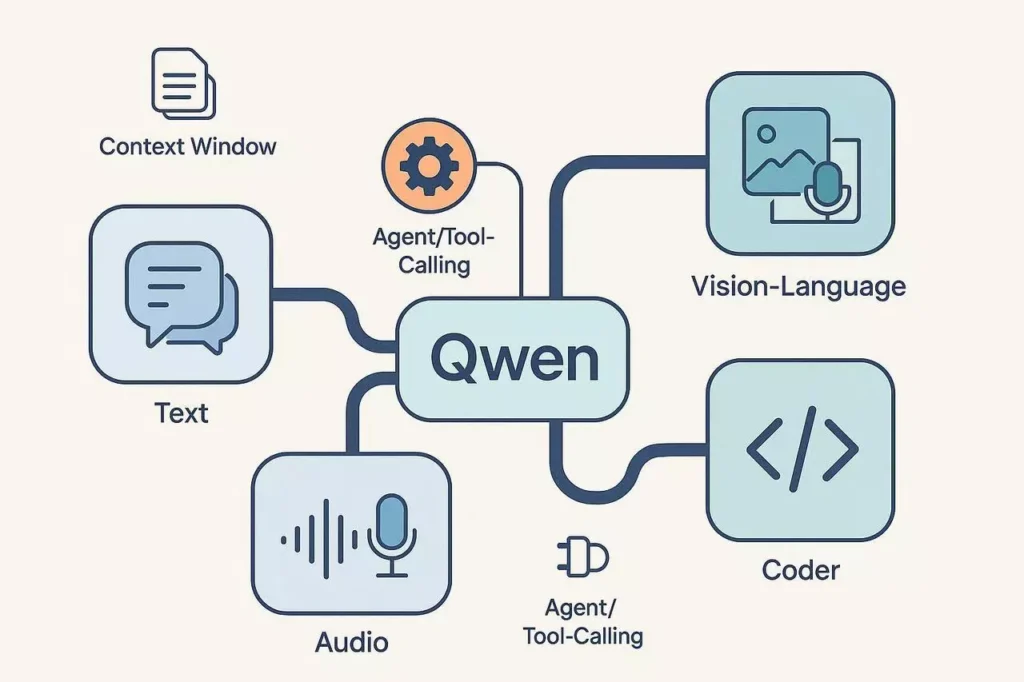
Advanced Capabilities
Parallel function calling for efficiency.
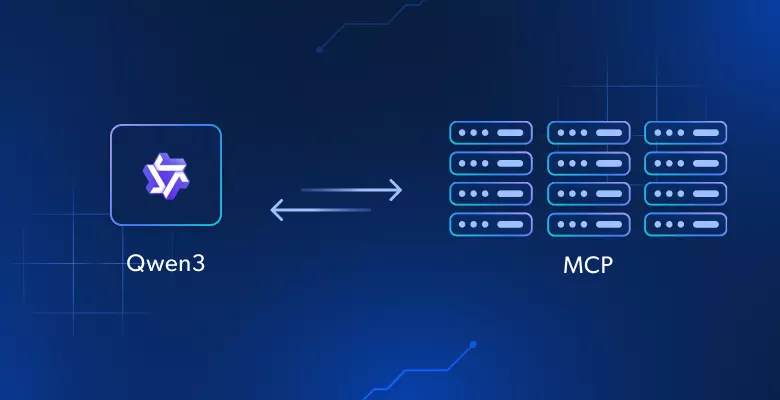
MCP integration for external tools (e.g., databases, file systems).
Built-in tools: code interpreter, image generation, web search.
Support for thinking modes in Qwen3 (reasoning vs. non-thinking for speed).
GUI via Gradio for rapid prototyping.
Deployment Flexibility
Compatible with DashScope API, local OpenAI-compatible servers (vLLM, SGLang, Ollama), and custom endpoints.
Installation and Setup
Begin by installing the framework:
pip install -U "qwen-agent[gui,rag,code_interpreter,mcp]"For minimal setup: pip install -U qwen-agent.
For local models, install Ollama or vLLM separately. Download Qwen3 models via Ollama (e.g., ollama run qwen3:8b).
Set environment variables for APIs (e.g., DASHSCOPE_API_KEY for cloud access).
Basic Tutorial: Running a Simple Agent
Configure the LLM and instantiate an Assistant agent:
from qwen_agent.agents import Assistantllm_cfg = { 'model': 'qwen3-32b', # Or 'qwen-max-latest' for cloud 'model_server': 'http://localhost:8000/v1', # For local vLLM/Ollama 'api_key': 'EMPTY', 'generate_cfg': {'top_p': 0.8}}system_instruction = "You are a helpful assistant."tools = ['code_interpreter', 'my_image_gen'] # Built-in toolsbot = Assistant(llm=llm_cfg, system_message=system_instruction, function_list=tools)messages = [{'role': 'user', 'content': 'Generate an image of a futuristic city and analyze it with code.'}]response = list(bot.run(messages))print(response)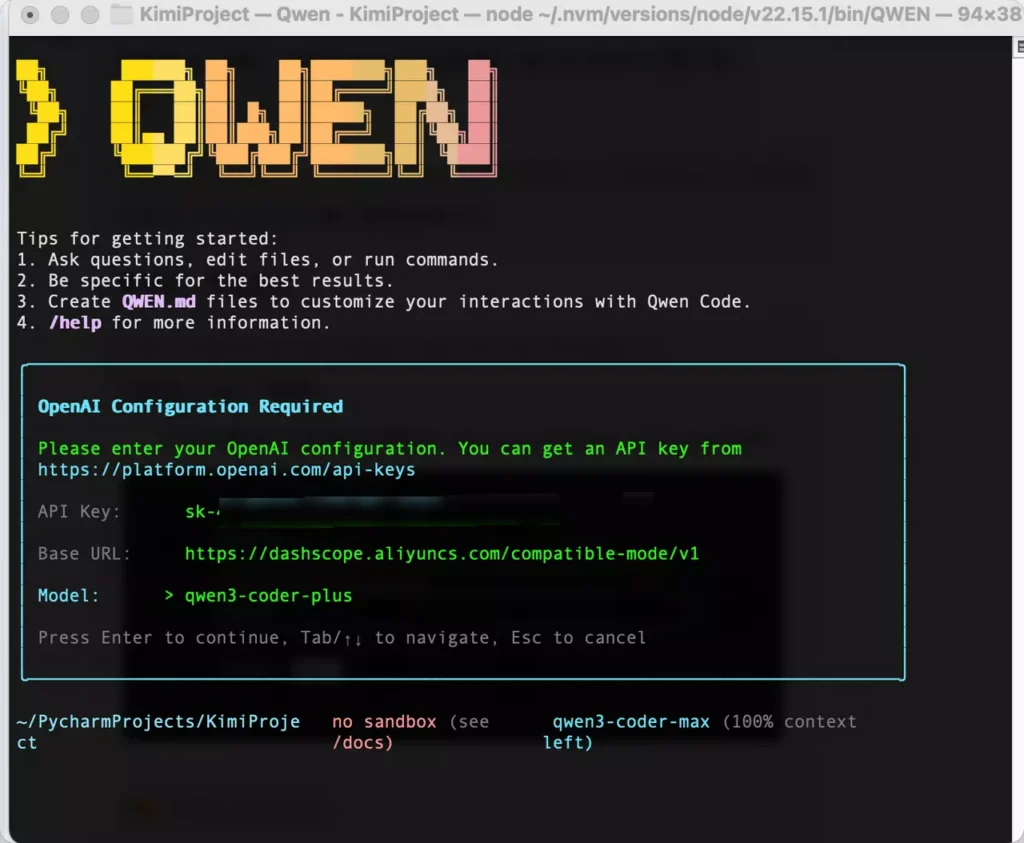
Advanced Configurations: Local Deployment and Custom Tools
Using Ollama for Offline Agents
Run ollama serve and configure:
llm_cfg['model_server'] = 'http://localhost:11434/v1'llm_cfg['model'] = 'qwen3:8b'Ideal for privacy-focused, autonomous agents.
Custom Tool Integration with MCP
Define MCP servers for persistent tools (e.g., SQLite, filesystem):
{ "mcpServers": { "sqlite": {"command": "uvx", "args": ["mcp-server-sqlite", "--db-path", "data.db"]} }}Load via configuration for database-querying agents.
GUI Deployment
Launch interactive demos:
from qwen_agent.gui import WebUIWebUI(bot).run()Premium Proxy Integration for Enhanced Agent Reliability
For agents requiring web access or bypassing restrictions (e.g., browsing tools), integrate proxies. IPFLY provides SOCKS5-compatible residential proxies with over 90 million IPs across 190+ countries, ensuring 99.9% uptime and unlimited concurrency—critical for autonomous agents handling real-time data fetches.
Proxy Provider Comparison: IPFLY vs. Alternatives
IPFLY’s ISP-allocated residential IPs offer exclusive, stable connections with low detection risk, outperforming shared free proxies prone to bans. Unlimited traffic supports intensive agent runs, unlike capped options. Advanced encryption and global low-latency enhance tool-calling reliability, where competitors often falter in consistency and support.
Want to access blocked overseas academic databases, geo-restricted streaming platforms, or cross-border platform backends? Don’t let geo-barriers hold you back! Visit IPFLY.net now for region-specific proxies (190+ countries), then join the IPFLY Telegram community—get “step-by-step guides to unlock Netflix US/BBC UK” and “cross-border academic resource access tips”. Bypass restrictions easily and access global resources freely!
Real-World Applications and Examples
Coding Agents: Use Qwen3-Coder with code interpreter for autonomous debugging.
Research Agents: RAG-enabled agents query long documents or web sources.
Multimodal Agents: Integrate image generation and analysis. User insights: “Local Qwen-Agent with Ollama resolved complex tasks offline efficiently.”
Empowering Autonomous Agents with Qwen
In December 2025, using Qwen to run agents via the Qwen-Agent framework enables sophisticated, autonomous AI systems. From basic assistants to MCP-enhanced workflows, this open-source ecosystem rivals proprietary solutions. Combine with reliable proxies like IPFLY for unrestricted, high-performance operations.
